
Straight bevel gears are widely used in low-speed intersecting shaft transmissions, such as planetary and semi-axle gears in vehicle differentials, where they operate at circumferential speeds below 5 m/s. However, these gears often face challenges like vibration, noise, and uneven load distribution during meshing. To address these issues, tooth modification techniques are essential. In this work, I developed a comprehensive CAD system for designing and modifying straight bevel gears, leveraging the 3D mechanical software SolidWorks 2010. The system integrates parametric modeling, automatic assembly, and rapid tooth modification functionalities, significantly enhancing efficiency in gear design and analysis. By utilizing C# in the Visual Studio 2008 environment and SolidWorks’ API, the system reduces repetitive tasks and provides accurate models for CAM, CAE, and motion simulations. This article details the development platform, system architecture, and practical applications, with a focus on tooth modification methods for straight bevel gears.
The development platform centers on SolidWorks 2010, a powerful 3D CAD system known for its robust part, assembly, and drawing capabilities. SolidWorks offers a fully object-oriented API, which I exploited for secondary development using C#. C# is a modern, object-oriented programming language that combines the simplicity of Visual Basic with the performance of C++, making it ideal for creating intuitive and efficient applications. The API provides a hierarchical class structure with methods and properties for automating tasks. I employed a programming-based approach, where I recorded macros for modeling, assembly, and modification operations in SolidWorks, analyzed the generated code, and refined key API functions using C#. This method ensured seamless integration and customization, allowing for parametric control over gear design parameters. For instance, the system automates the creation of gear profiles based on user inputs, such as module, number of teeth, and pressure angle, which are critical for straight bevel gear geometry.
The overall system design comprises three main modules: straight bevel gear modeling, assembly, and tooth modification. The modeling module, as referenced in prior work, enables parametric generation of gear profiles using equations derived from gear theory. For straight bevel gears, the geometry involves spherical involute surfaces, which can be defined mathematically. The assembly module automates the pairing of gears, such as planetary and semi-axle gears, by applying constraints like coaxial alignment, coincident cone vertices, and gear mates. This module also includes an interface for ANSYS finite element analysis (FEA), facilitating stress and deformation studies. The tooth modification module supports two primary techniques: profile crowning and lead modification, which are essential for optimizing meshing performance. The logical structure of the system ensures a streamlined workflow from design to analysis, with each module building on the previous one. For example, the modeling module outputs gear models that feed into assembly, and the modified gears can be directly used in FEA.
In the assembly module, the process begins with selecting the gears to be paired. The system automatically applies mating conditions: the central axes of the planetary and semi-axle gears align with perpendicular intersecting axes in the assembly space, their cone vertices coincide with the origin, and the tooth profile centers align with reference planes. A gear mate is added to simulate mechanical interaction. This automation reduces manual effort and minimizes errors. The module’s logic involves loading gear components, defining coordinate systems, and applying constraints through API functions like AddMate. Additionally, the ANSYS interface allows users to export the assembled gear pair for further analysis, such as calculating modification amounts based on stress results. This integration is crucial for iterative design improvements, as straight bevel gears often require precise adjustments to avoid failure under load.
The tooth modification module is a core component, focusing on enhancing gear performance by altering the tooth surface. Two methods are implemented: lead crowning and profile modification. Lead crowning involves creating a slightly convex tooth surface along the face width to compensate for misalignments and load variations. Profile modification trims the tooth tip or root to deviate from the standard involute, reducing edge contact and stress concentrations. The module guides users through parameter inputs, such as modification amount and height, and provides interactive steps for applying changes. For lead crowning, the modification region is typically 60% of the face width and 50% of the tooth height, centered away from the toe end. Profile modification uses linear corrections, with modification heights around one-third of the tooth depth. The system employs SolidWorks’ surface modeling tools, such as lofting and extruding, to achieve these modifications efficiently.
To illustrate the modification process, consider the mathematical basis. For a straight bevel gear, the spherical involute profile can be represented using parametric equations. The tooth surface coordinates (x, y, z) are derived from the gear’s pitch cone angle δ, module m, and number of teeth z. For instance, the radius at any point on the tooth can be expressed as:
$$ r = \frac{m z}{2 \cos \delta} $$
In lead crowning, the modification is applied as an offset in the normal direction to the tooth surface. If the original surface is defined by a function F(u, v), the modified surface F'(u, v) becomes:
$$ F'(u, v) = F(u, v) + \Delta \cdot \mathbf{n}(u, v) $$
where Δ is the modification amount and n(u, v) is the unit normal vector. The modification amount Δ can be determined from FEA results, such as maximum contact stress σ_max, using empirical relations. For example:
$$ \Delta = k \cdot \sigma_{\text{max}} \cdot L $$
where k is a correction factor and L is the characteristic length, often related to the face width. In profile modification, the linear correction at the tooth tip involves removing material based on a modification height h_mod and amount s. The new profile coordinate y’ at a distance x from the reference can be given by:
$$ y’ = y – s \cdot \left( \frac{x}{h_{\text{mod}}} \right) $$
for x ≤ h_mod, where y is the original coordinate. These equations are embedded in the system’s algorithms to automate modifications.
The system’s efficiency is demonstrated through practical examples. In the assembly module, users select gears via a dialog interface, and the system generates an assembly environment with applied mates. For instance, a planetary gear and semi-axle gear are aligned and mated, resulting in a model ready for simulation. The tooth modification module allows users to choose between lead crowning and profile modification, input parameters, and follow interactive prompts. In lead crowning, the system creates a new tooth surface offset from the original, while in profile modification, it guides users to sketch modification lines and perform surface cuts. The entire process, from modeling to modification, is completed in minutes, compared to hours manually, highlighting the system’s value in accelerating straight bevel gear design.
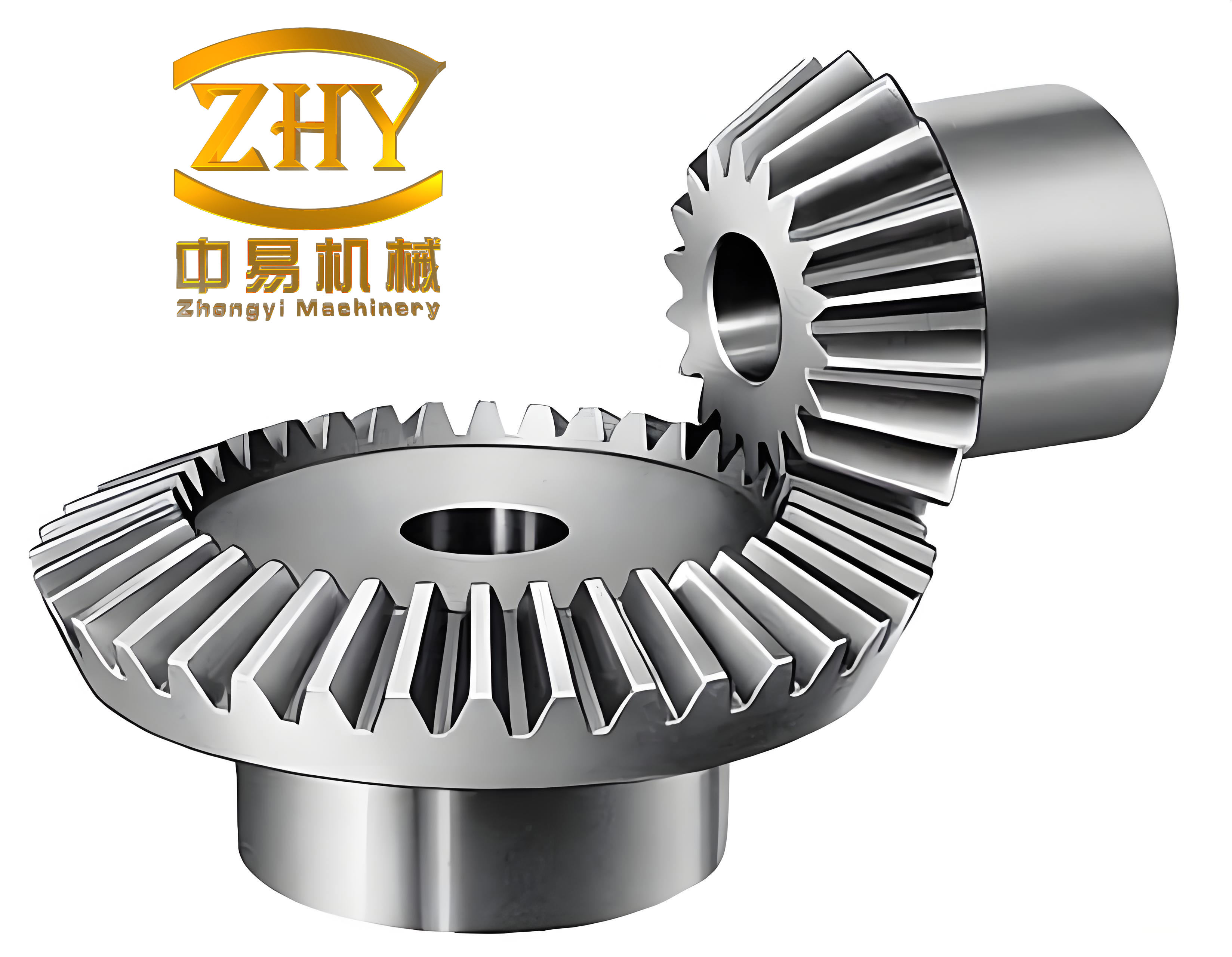
Tables are used to summarize key parameters and comparisons. For example, Table 1 outlines the typical modification parameters for straight bevel gears, derived from industry standards and FEA recommendations. Table 2 compares the time efficiency of manual versus system-assisted processes, underscoring the productivity gains.
| Parameter | Lead Crowning | Profile Modification |
|---|---|---|
| Modification Amount (mm) | 0.02–0.05 | 0.01–0.03 |
| Modification Height (%) | 50% of tooth height | 33% of tooth depth |
| Face Width Coverage (%) | 60% | N/A |
| Common Curve Type | Linear or parabolic | Linear |
| Task | Manual Time (hours) | System Time (minutes) |
|---|---|---|
| Gear Modeling | 2–4 | 5–10 |
| Assembly | 1–2 | 2–5 |
| Tooth Modification | 3–6 | 10–20 |
| Total | 6–12 | 17–35 |
In conclusion, the developed system significantly improves the design and modification of straight bevel gears by integrating parametric modeling, automated assembly, and efficient tooth modification. The use of SolidWorks API and C# enables a user-friendly interface and rapid processing, reducing design cycles and enhancing accuracy. Future work will focus on adding stress analysis modules to automatically determine modification amounts and expanding modification techniques, such as parabolic profile corrections. This system not only benefits gear design but also supports advanced analyses in CAE and CAM, making it a valuable tool for engineers working with straight bevel gears in various applications.