
In the realm of mechanical engineering and power transmission, gear drives stand as one of the most critical and ubiquitous mechanisms. Among the various gear tooth profiles, the involute curve reigns supreme due to its favorable properties like constant velocity ratio and ease of manufacturing. As Computer-Aided Design (CAD) technology has matured, designers have leveraged numerous software platforms to streamline the creation of these complex geometries. MasterCAM, a comprehensive CAD/CAM system widely adopted in the machining industry, offers powerful tools for this purpose. A particularly efficient feature within MasterCAM is its plugin named ‘Gear’. This plugin allows for the rapid generation of involute gear profiles through a simple parameter dialog box, significantly accelerating the design and subsequent modeling process. This article delves into the methodology for accurately designing standard involute spur and pinion gears using this plugin, addressing the crucial parameter adjustments required when moving between different gear measurement systems.
The journey of designing a reliable spur and pinion gear set begins with a firm grasp of their fundamental geometric parameters. For a standard involute spur gear, the defining parameters are: the number of teeth (z), the module (m), and the pressure angle (α). Standard gears typically use a pressure angle of 20°, a unit addendum (ha* = 1), and a dedendum coefficient (c* = 0.25). In such a standard system, the tooth thickness on the pitch circle equals the space width. Therefore, for a standard gear, specifying just the module and the number of teeth is sufficient to determine all other critical dimensions. The core formulas governing a standard metric (module system) involute spur gear are listed below:
- Pitch Diameter: $$d = m \cdot z$$
- Addendum: $$h_a = m$$ (since ha* = 1)
- Dedendum: $$h_f = 1.25m$$ (since hf = (ha* + c*)m = 1.25m)
- Outside Diameter: $$d_a = d + 2h_a = m(z + 2)$$
- Root Diameter: $$d_f = d – 2h_f = m(z – 2.5)$$
- Circular Pitch: $$p = \pi m$$
- Fillet Radius (approximate): $$\rho_f \approx 0.38m$$
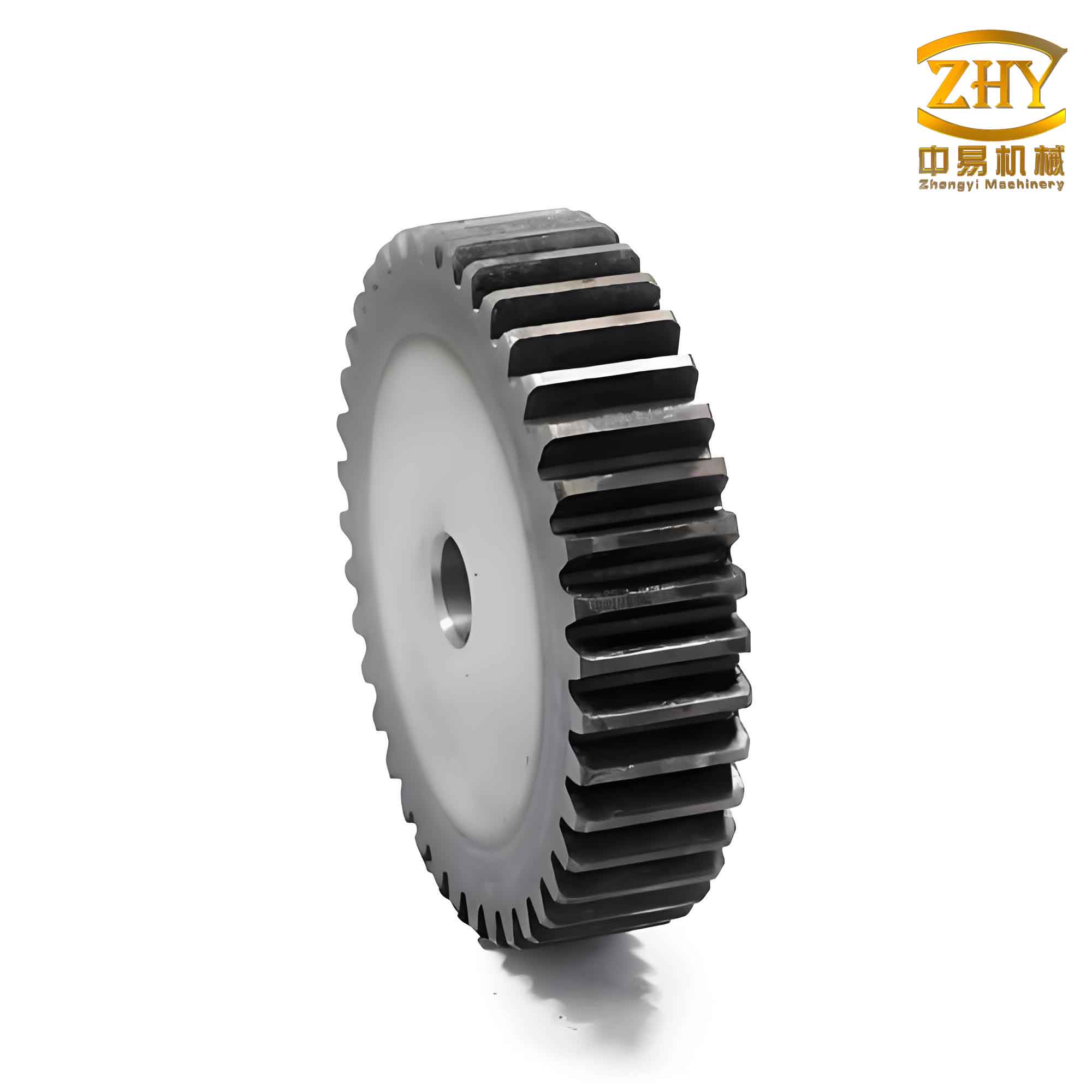
MasterCAM’s Gear plugin, however, is inherently configured for the Diametral Pitch (DP) system, which is prevalent in imperial (inch-based) regions. This fundamental difference is the key challenge to overcome for designers working with the module system. The diametral pitch (P) is essentially the reciprocal of the module: $$P = \frac{1}{m}$$, where ‘m’ is in inches. More critically, standard DP gears often use a pressure angle of 20° or 14.5°, and a different dedendum coefficient, leading to a slightly different tooth form. The formulas for a standard DP spur and pinion gear are:
- Pitch Diameter: $$d = \frac{z}{P}$$
- Addendum: $$h_a = \frac{1}{P}$$
- Dedendum: $$h_f = \frac{1.157}{P}$$ (for a basic rack with c* ≈ 0.157)
- Outside Diameter: $$d_a = d + 2h_a = \frac{z+2}{P}$$
- Root Diameter: $$d_f = d – 2h_f = \frac{z – 2.314}{P}$$
The discrepancy in the dedendum calculation (2.5m vs. ~2.314/P) directly affects the root diameter and the overall depth of the tooth. Simply inputting the reciprocal of the module as the diametral pitch and setting the pressure angle to 20° in the Gear plugin will yield an incorrect root geometry for a standard metric gear. The following table summarizes the key differences and the required mapping for correct design.
| Parameter | Module System (Metric) | Diametral Pitch System (Imperial) | Action in MasterCAM Gear Plugin |
|---|---|---|---|
| Size Indicator | Module (m) [mm] | Diametral Pitch (P) [1/in] | Input P = 25.4 / m (for m in mm) |
| Standard Pressure Angle (α) | 20° | 20° or 14.5° | Set to 20° |
| Addendum Coefficient (ha*) | 1.0 | 1.0 | Automatic |
| Dedendum Coefficient (c*) | 0.25 | ~0.157 (for 20° P.A.) | Must be overridden via root diameter |
| Root Diameter (df) | $$d_f = m(z – 2.5)$$ | $$d_f \approx \frac{z – 2.314}{P}$$ | Manually calculate and input metric df |
| Fillet Radius (ρf) | $$ρ_f \approx 0.38m$$ | $$ρ_f \approx \frac{0.38}{P}$$ | Manually calculate and input metric ρf |
Therefore, the core methodology for creating a correct standard metric spur and pinion gear in MasterCAM involves using the Gear plugin but strategically overriding its automatically calculated values for the root diameter and fillet radius. The step-by-step procedure is as follows:
- Calculate Required Parameters: For your desired module (m in mm) and number of teeth (z):
- Diametral Pitch for input: $$P_{input} = \frac{25.4}{m}$$. This converts the module to its inch-equivalent reciprocal for the plugin.
- Root Diameter: $$d_f = m \cdot (z – 2.5)$$ (in mm).
- Fillet Radius: $$ρ_f = 0.38 \cdot m$$ (in mm).
- Launch the Plugin: In MasterCAM, navigate to the plugin menu and select ‘Gear’.
- Configure Dialog Box:
- Select ‘External’ or ‘Internal’ gear type.
- Choose ‘Create All’ for a full gear or ‘Single’ for one tooth.
- Enter the Number of Teeth (z).
- Enter the Diametral Pitch (P_input) calculated above.
- Set the Pressure Angle to 20°.
- Override Critical Geometry: After entering the above, manually input the calculated metric Root Diameter (d_f) and Fillet Radius (ρ_f) into their respective fields. This step is crucial to correct the tooth depth.
- Generate and Verify: Click OK to generate the gear profile. Use MasterCAM’s analysis tools to measure key dimensions like the outside diameter, pitch diameter, and tooth thickness to validate against theoretical values.
To rigorously validate this method, multiple test cases with varying modules and tooth counts can be executed. The process involves generating the gear using the adjusted plugin parameters, then using MasterCAM’s measurement tools to record critical dimensions like addendum, dedendum, tooth thickness, pitch diameter, and outside diameter. These measured values are then compared to the theoretical values calculated from the standard module-based formulas. A successful validation will show negligible deviation, confirming the accuracy of the parameter translation method. The results from such tests can be effectively summarized in a comparison table.
| Gear Spec: m=2.5, z=25 | Theoretical Value (mm) | Measured in MCAM (mm) | Deviation (mm) |
|---|---|---|---|
| Pitch Diameter (d) | 62.500 | 62.500 | 0.000 |
| Outside Diameter (da) | 67.500 | 67.500 | 0.000 |
| Root Diameter (df) | 56.250 | 56.250 | 0.000 |
| Tooth Thickness (s) at pitch circle | 3.927 | 3.927 | 0.000 |
| Gear Spec: m=4, z=120 | Theoretical Value (mm) | Measured in MCAM (mm) | Deviation (mm) |
|---|---|---|---|
| Pitch Diameter (d) | 480.000 | 480.000 | 0.000 |
| Outside Diameter (da) | 488.000 | 488.000 | 0.000 |
| Root Diameter (df) | 470.000 | 470.000 | 0.000 |
Let’s illustrate the complete workflow with a concrete application example: designing a standard external spur and pinion gear with a module of 4 mm and 25 teeth.
- Calculations:
- P_input = 25.4 / 4 = 6.35 (This is entered as the Diametral Pitch).
- Root Diameter, d_f = 4 * (25 – 2.5) = 90.0 mm.
- Fillet Radius, ρ_f = 0.38 * 4 = 1.52 mm.
- Plugin Inputs: In the Gear dialog box:
- Type: External, Create All.
- Number of Teeth: 25.
- Diametral Pitch: 6.35.
- Pressure Angle: 20°.
- Root Diameter: 90.0.
- Fillet Radius: 1.52.
Upon clicking OK, MasterCAM generates a precise 2D profile of the gear. This accurate profile serves as the perfect foundation for the next stages of the design process. It can be immediately extruded or revolved within MasterCAM to create a solid 3D model of the spur and pinion gear. Furthermore, this seamless integration is a key advantage; the same software environment can be used to define machining operations, generate toolpaths, and simulate the CNC machining process for manufacturing the actual gear. For instance, 2D contouring operations can be applied to the profile for wire EDM, or 3D surface machining strategies can be applied to a molded gear cavity. The ability to move directly from a parametrically defined design to manufacturing instructions within a single platform significantly reduces errors and saves considerable time.
In conclusion, by understanding the fundamental differences between the module and diametral pitch systems for gear specification, a designer can effectively harness the power of MasterCAM’s Gear plugin to create accurate involute spur and pinion gear profiles for the metric system. The critical step is the manual override of the root diameter and fillet radius based on the standard metric formulas. This method provides a rapid and reliable alternative to complex parametric sketches or external CAD imports, streamlining the initial design phase. The generated profile is not just a drawing; it is a fully integrated geometric entity that forms the basis for 3D modeling, assembly simulation, and, most importantly, direct CAM programming for manufacturing. This integrated CAD/CAM approach ensures design intent is preserved all the way to the machine tool, making it an efficient pipeline for producing custom gears, prototyping new spur and pinion gear sets, or preparing for production runs. As software plugins continue to evolve, this methodology underscores the importance of understanding underlying engineering principles to adapt and correctly utilize powerful automated tools for specific design standards.