
In modern mechanical transmission systems, spur and pinion gears are fundamental components widely used due to their simplicity, efficiency, and reliability. Spur gears, characterized by straight teeth parallel to the axis, are essential for transferring motion and power between parallel shafts, while pinion gears often refer to the smaller gear in a pair, crucial in applications like rack-and-pinion systems. With the rapid advancement of computer-aided design (CAD) technology, parametric design has become a cornerstone for optimizing gear performance, enabling quick modifications to key parameters such as the number of teeth, module, and pressure angle. This article explores a comprehensive parametric design methodology for spur and pinion gears using UG (Unigraphics) software, focusing on creating three-dimensional models that can be dynamically updated through parameter changes. By leveraging UG’s built-in tools like formulas, law curves, and feature arrays, we achieve a seamless design process that facilitates virtual assembly, stress analysis, and motion simulation, ultimately enhancing the efficiency of gear design and manufacturing.
The parametric design approach in UG primarily revolves around two aspects: the use of parameter t that varies from 0 to 1 to define curves via equations, and the establishment of driving parameters that govern geometric dimensions. For spur and pinion gears, the tooth profile is based on the involute curve, which is mathematically defined and can be parameterized to adapt to different gear specifications. This method eliminates the need for secondary development or complex programming, making it accessible to designers while ensuring accuracy and flexibility. Throughout this article, we will delve into the step-by-step process of modeling spur and pinion gears, emphasizing the parametric relationships that allow for instant updates to the 3D model when basic parameters are altered. The integration of tables and formulas will provide a clear summary of key relationships, and the repeated emphasis on spur and pinion gears underscores their importance in mechanical systems.
Parameter Analysis for Spur and Pinion Gears
Parametric design in UG involves defining driving parameters and calculated parameters that control the geometry of the spur and pinion gear. Driving parameters are the primary inputs that designers can modify, such as the number of teeth (z), module (m), and pressure angle (α). Calculated parameters are derived from these inputs through mathematical formulas and are used to constrain the model’s dimensions. This approach ensures that any change in the driving parameters automatically updates the entire gear model, enabling rapid prototyping and optimization. Below is a table summarizing the key parameters and their typical values for spur and pinion gears.
| Parameter | Symbol | Typical Value | Description |
|---|---|---|---|
| Number of Teeth | z | 17 (varies) | Defines the gear size and tooth count; for pinion gears, this is often smaller. |
| Module | m | 2 mm | Standardized measure of tooth size; crucial for spur gear compatibility. |
| Pressure Angle | α | 20° | Angle between the tooth profile and radial line; affects strength and meshing. |
| Pitch Diameter | d | m * z | Reference diameter for gear design; calculated from module and teeth. |
| Base Diameter | d_b | d * cos(α) | Diameter of the base circle from which the involute curve originates. |
| Addendum Diameter | d_a | d + 2 * m | Outer diameter of the spur gear, including tooth addendum. |
| Dedendum Diameter | d_f | d – 2.5 * m | Root diameter of the spur gear, accounting for tooth dedendum. |
These parameters are interconnected through mathematical relationships. For instance, the pitch diameter (d) is calculated as $$d = m \times z$$, which is fundamental for spur gear design. Similarly, the base diameter (d_b) is derived from the pitch diameter and pressure angle: $$d_b = d \times \cos(\alpha)$$. In UG, these formulas are input into the expression editor (Tools → Expressions) to establish parametric links. The parameter t is used to generate the involute curve via law curves, where the involute equations in parametric form are defined as:
$$x = \frac{d_b}{2} \times (\cos(\theta) + \theta \times \sin(\theta))$$
$$y = \frac{d_b}{2} \times (\sin(\theta) – \theta \times \cos(\theta))$$
Here, θ (in radians) is the roll angle, which varies based on the gear parameters. For spur and pinion gears, the range of θ is critical for defining the tooth profile accurately. The angle corresponding to the involute segment between the base circle and pitch circle, denoted as θ_1, is calculated as $$\theta_1 = \frac{180}{\pi} \times (\tan(\alpha) – \alpha)$$, where α is in radians. Additionally, the total angle for the involute between base circles, θ_2, is given by $$\theta_2 = \frac{360}{z} – 2 \times \theta_1$$. These calculations ensure that the tooth profile adapts to different spur and pinion gear configurations, whether for large spur gears or small pinion gears in compact assemblies.
Tooth Profile Parametric Design
The tooth profile of a spur and pinion gear is constructed using involute curves, which are generated through UG’s law curve functionality. This process involves creating auxiliary planes, defining the involute equations, and forming cutting surfaces that shape the gear teeth. The design is parameterized so that changes in z, m, or α automatically update the profile. Below, we outline the steps in detail, with formulas and tables to illustrate the relationships.
Step 1: Establishing Auxiliary Planes
Since the spur gear axis is perpendicular to the XY plane, the involute curves lie in this plane. To create the tooth profile, we need two involute curves symmetric about the tooth centerline. An auxiliary plane is required to define the second involute curve. In UG, we start by sketching a line on the XY plane that passes through the origin and makes an angle of θ_2 with the X-axis. This angle is calculated as per the formulas above and is input into UG’s expression editor. For example, if z = 17 and α = 20°, then θ_1 ≈ 0.0149 rad and θ_2 ≈ 0.369 rad. The auxiliary plane is then constructed using this line and the Z-axis, enabling parametric updates when θ_2 changes due to modifications in z or α.
Step 2: Generating Involute Curves
Using UG’s law curve command (Insert → Curve → Law Curve), we define the involute equations in terms of parameter t. The expressions for x and y are input as formulas involving t, which represents the roll angle θ scaled from 0 to 1. For the first involute curve, we set:
$$x(t) = \frac{d_b}{2} \times (\cos(\theta(t)) + \theta(t) \times \sin(\theta(t)))$$
$$y(t) = \frac{d_b}{2} \times (\sin(\theta(t)) – \theta(t) \times \cos(\theta(t)))$$
where $$\theta(t) = \theta_{\text{start}} + t \times (\theta_{\text{end}} – \theta_{\text{start}})$$. The start and end angles are determined based on the gear geometry. For spur gears, θ_start is typically 0 (at the base circle), and θ_end is calculated to extend the involute to the addendum circle. Similarly, the second involute curve is generated by mirroring or using a negative y-value, with the auxiliary plane as a reference. This ensures that the tooth profile is symmetric and adaptable for both spur and pinion gears.
To manage the parameters efficiently, we can summarize the key expressions in a table:
| Expression Name | Formula in UG | Description |
|---|---|---|
| alpha_deg | 20 | Pressure angle in degrees for spur gear design. |
| alpha_rad | alpha_deg * pi() / 180 | Pressure angle in radians for calculations. |
| m | 2 | Module for the spur and pinion gear. |
| z | 17 | Number of teeth; can be adjusted for pinion gears. |
| d | m * z | Pitch diameter of the spur gear. |
| d_b | d * cos(alpha_rad) | Base diameter for involute generation. |
| theta_1 | (180/pi()) * (tan(alpha_rad) – alpha_rad) | Angle for involute segment in degrees. |
| theta_2 | 360/z – 2*theta_1 | Angle for auxiliary plane in degrees. |
Step 3: Creating the Tooth Cutting Surface
Once the involute curves are generated, we use UG’s ruled surface command (Insert → Mesh Surface → Ruled Surface) to create surfaces between corresponding curves. These surfaces are then trimmed using the trim body command (Insert → Trim → Trim Body) to form the tooth tip profile. For the tooth root portion, two cases arise based on the number of teeth: if z ≤ 42, the dedendum diameter (d_f) is less than the base diameter (d_b), so a straight line is used to connect the involute start point to the root circle; if z > 42, the root profile is entirely involute. This distinction is crucial for accurate spur and pinion gear modeling, as pinion gears often have fewer teeth and thus require the straight-line approximation.
In UG, we sketch the root circle on the XY plane with diameter d_f, and then use constraints to align it with the involute curves. For z ≤ 42, we draw a line tangent to the involute at the base circle and trim it with the root circle. The resulting segments—two lines and an arc—are extruded to form a sheet body. For z > 42, we project the involute onto the sketch, trim the root circle, and extrude the arc. The sheet bodies are then sewn together (Insert → Combine → Sew) to create a single cutting surface for the tooth profile. This surface will be used to cut the gear blank in subsequent steps.
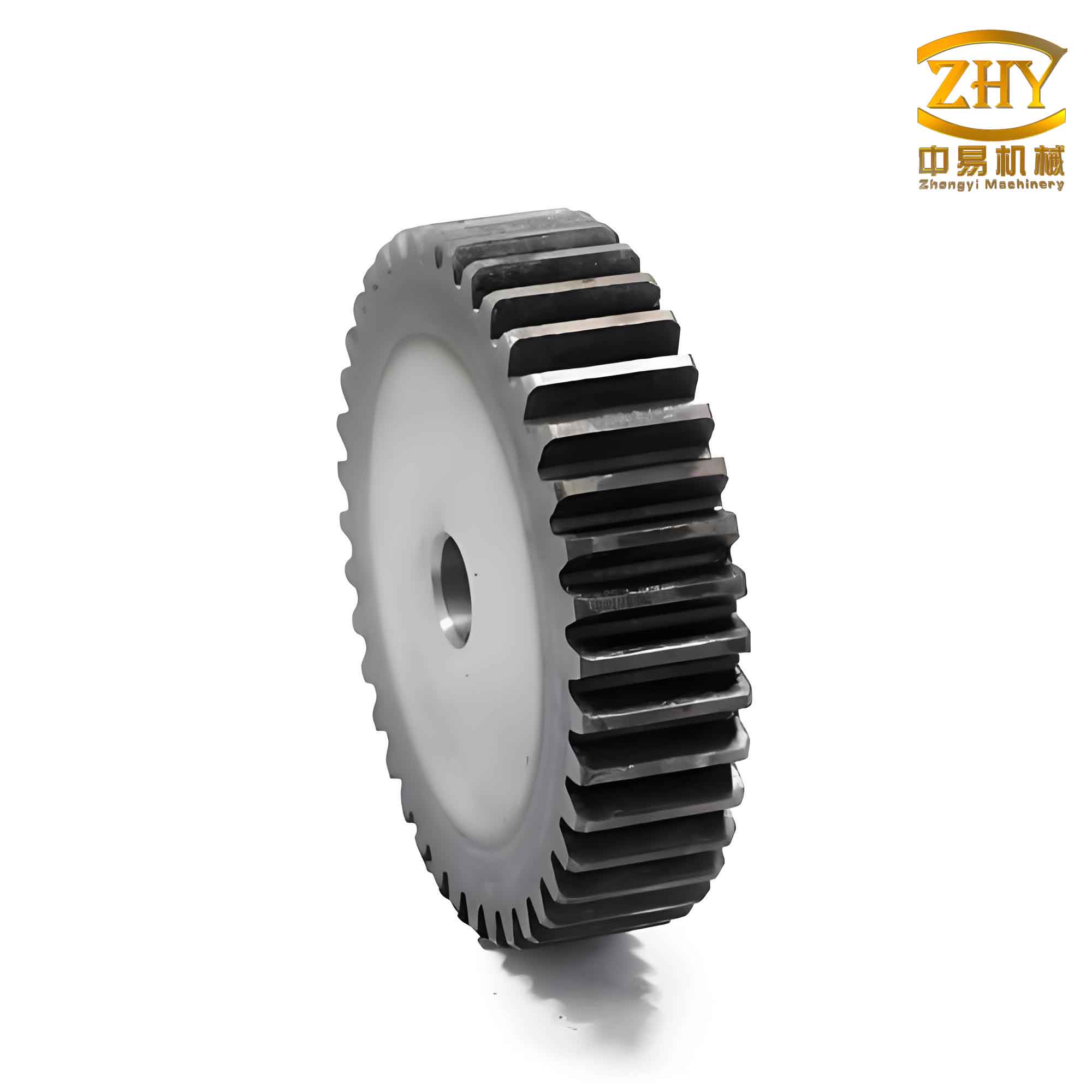
Generating the 3D Model of Spur and Pinion Gears
After creating the tooth cutting surface, we proceed to build the complete three-dimensional model of the spur and pinion gear. This involves extruding cylindrical blanks, performing Boolean operations, and using feature arrays to replicate the teeth around the gear circumference. The process is fully parameterized, so modifying the driving parameters updates the entire model, including the number of teeth and gear dimensions.
Step 1: Creating Gear Blanks
We start by sketching a circle on the XY plane with diameter d_a (addendum diameter) and extruding it to the desired gear width (e.g., 20 mm). This forms the outer cylinder of the spur gear. Similarly, we sketch another circle with diameter d_f (dedendum diameter) and extrude it to the same width, creating the root cylinder. Using UG’s Boolean unite command (Insert → Combine → Unite), we merge these cylinders into a single gear blank. This blank serves as the base material from which teeth will be cut.
Step 2: Cutting Tooth Profiles
The tooth cutting surface generated earlier is now used to trim the gear blank. We apply the trim body command, selecting the cutting surface as the tool to remove material, resulting in a single tooth slot. To ensure parametric associativity, we convert this trimmed body into a feature that can be patterned. In UG, we use the extrude command on the tooth profile face, setting the extrusion distance equal to the gear width, which creates a solid tooth entity. For gears with z ≤ 42, we add a fillet at the tooth root with radius r, calculated as: $$r = \begin{cases} 0.38 \times m & \text{if } 0.38 \times m \leq l \\ l – 0.01 & \text{otherwise} \end{cases}$$ where l is the length of the straight segment at the root. This fillet reduces stress concentrations in spur and pinion gears.
Step 3: Arraying Teeth
With a single tooth solid created, we use UG’s instance feature command (Insert → Associative Copy → Instance Feature → Circular Array) to replicate it around the gear axis. The number of instances is set to z (the number of teeth), and the angle between instances is $$360/z$$ degrees. The axis of rotation is the Z-axis, ensuring uniform distribution. This array is parametric, so if z changes, the number of teeth updates automatically. The result is a complete spur gear model with all teeth formed, ready for further analysis or assembly.
For pinion gears, which are smaller spur gears often used in pairs, the same process applies, but parameters like z and m may be adjusted to achieve specific gear ratios. The parametric design allows for quick customization, making it ideal for designing spur and pinion gear sets for various mechanical systems.
Discussion and Analysis
During the parametric design of spur and pinion gears in UG, several considerations ensure accuracy and efficiency. First, the order of operations matters: for gears with z ≤ 42, the involute ruled surfaces should be created before the root sheet body to maintain proper trimming. Second, when generating ruled surfaces, the selection of curves must be precise, and for z > 42, reducing the tolerance to 1e-6 mm can improve model quality. Third, projecting involute curves onto sketches requires associative output to enable parametric updates when parameters change.
Additionally, the root fillet radius is critical for gear strength. Using a conditional expression in UG, we can automate the radius selection based on the gear geometry, as shown in the formula above. This avoids manual adjustments and ensures that spur and pinion gears meet design standards. Furthermore, the parametric approach facilitates integration with other CAD/CAE tools, allowing for finite element analysis (FEA) to evaluate stress distributions or kinematic simulations to check meshing behavior.
A key advantage of this method is its scalability: by simply altering the driving parameters, designers can generate a wide range of spur and pinion gears, from large industrial spur gears to miniature pinion gears for precision instruments. The use of UG’s native commands, without relying on secondary development, makes the process accessible and reduces learning time. Moreover, the parametric models can be stored in libraries for reuse, accelerating the design cycle in projects involving multiple gear configurations.
Conclusion
Parametric design using UG software offers a robust and efficient approach for modeling spur and pinion gears. By leveraging formulas, law curves, and feature arrays, we can create fully associative 3D models that update dynamically with changes in key parameters such as tooth count, module, and pressure angle. This methodology not only streamlines the design process but also enhances accuracy and flexibility, enabling rapid prototyping, virtual testing, and optimization of spur and pinion gear systems. The integration of tables and mathematical formulas provides clear guidelines for designers, while the emphasis on parametric relationships ensures that the models are adaptable to various applications, from automotive transmissions to robotics. As CAD technology continues to evolve, parametric design will remain essential for advancing gear engineering, and the techniques described here serve as a foundation for mastering spur and pinion gear design in UG.
In summary, the parametric design of spur and pinion gears is a powerful tool that combines theoretical precision with practical usability. By following the steps outlined—from parameter analysis and tooth profile generation to 3D modeling and arraying—designers can achieve high-quality gear models that meet specific functional requirements. The ability to quickly iterate designs supports innovation and reduces time-to-market, making UG an invaluable platform for mechanical engineers working with spur and pinion gears. As we move towards more integrated digital manufacturing, such parametric approaches will play a pivotal role in the development of efficient and reliable gear systems.