
In the field of mechanical power transmission, the straight bevel gear holds a critical position for intersecting shaft applications. Over recent years, while parametric modeling of involute spur and helical gears has been extensively documented, detailed methodologies for the parametric three-dimensional modeling of straight bevel gears, particularly those incorporating crowned tooth forms for controlled contact patterns, remain less prevalent. The rapid advancement of virtual manufacturing technologies has made the parametric 3D solid modeling of gears an urgent necessity for designers. This approach not only facilitates advanced engineering analysis like kinematic simulation, finite element analysis (FEA), and interference checking but also directly enables the generation of CNC machining programs. These programs can be used to manufacture precision forging dies or electrode gears for Electrical Discharge Machining (EDM) on CNC milling or high-speed machining centers. Consequently, this integrated digital process dramatically shortens new product development cycles while ensuring consistent and stable quality.
Parametric Modeling of the Straight Bevel Gear
The foundation for any advanced engineering activity—be it motion simulation, stress analysis, or NC toolpath generation—is a precise three-dimensional digital model. The parametric modeling of a straight bevel gear is a systematic process that can be automated using the secondary development capabilities of modern CAD software like Siemens NX.
Data Input and Definition
The initial step involves creating an interactive interface to capture all essential design parameters. This is typically achieved by developing a custom dialog box using the CAD system’s application programming interface (API) or scripting language. The core parameters required for defining a straight bevel gear are listed and described in the table below:
| Parameter Symbol | Description | Type/Unit |
|---|---|---|
| $z_1$ | Number of teeth on the gear | Integer |
| $z_2$ | Number of teeth on the mating gear (pinion) | Integer |
| $m$ | Module at the large end of the gear | Length (e.g., mm) |
| $h_{ax}$ | Addendum coefficient | Dimensionless |
| $c_x$ | Dedendum (clearance) coefficient | Dimensionless |
| $\alpha$ | Pressure angle at the reference (pitch) circle | Degrees (°) |
| $\Sigma$ | Shaft angle (typically 90°) | Degrees (°) |
| $x_1$ | Profile shift coefficient (height modification) | Dimensionless |
| $x_{t1}$ | Tangential shift coefficient | Dimensionless |
| $B$ | Face width (gear thickness) | Length |
| $A_{k1}$ | Crown to back distance | Length |
| $r_{root}$ | Root fillet radius | Length |
Beyond these standard parameters, defining the tooth crowning is crucial for achieving a localized contact area that improves tolerance to misalignment and reduces edge-loading stress. The desired crown shape, defined as a slight longitudinal curvature along the tooth flank, is not a simple arc but a controlled curve. This curve can be efficiently designed and optimized using spreadsheet software’s charting functions. Once the optimal crown profile data points (offset values along the face width) are determined, they are fed into the parametric modeling program as an array.
Geometric Calculations
Following data input, a series of geometric calculations are performed programmatically to derive all necessary dimensions for constructing the gear blank and the tooth profile. These calculations are based on standard straight bevel gear geometry. Below is a subset of the essential formulas, where subscript 1 refers to the gear being modeled and subscript 2 to its mating pinion.
Pitch Cone and Reference Dimensions:
Pitch diameter at the large end: $$d_1 = m \cdot z_1$$
Pitch cone angle for the gear: $$\delta_1 = \arctan\left(\frac{\sin \Sigma}{\frac{z_2}{z_1} + \cos \Sigma}\right)$$ For a 90° shaft angle ($\Sigma = 90°$), this simplifies to: $$\delta_1 = \arctan\left(\frac{z_1}{z_2}\right)$$
Outer cone distance (pitch radius): $$R = \frac{d_1}{2 \sin \delta_1}$$
Tooth Proportions:
Addendum at the large end: $$h_{a1} = m \cdot (h_{ax} + x_1)$$
Dedendum at the large end: $$h_{f1} = m \cdot (h_{ax} + c_x – x_1)$$
Total tooth depth: $$h = h_{a1} + h_{f1}$$
Blank Geometry (for an equal-addendum gear):
Face cone angle (root angle of mating pinion considered): $$\delta_{a1} = \delta_1 + \arctan\left(\frac{h_{f2}}{R}\right)$$ where $h_{f2}$ is the dedendum of the mating pinion.
Crown to back distance: $$A_{k1} = R \cos \delta_1 – h_{a1} \sin \delta_1$$
Mounting distance: $$A_1 = A_{k1} + B – X_{tog}$$ (where $X_{tog}$ is an optional axial adjustment).
Equivalent Spur Gear for Tooth Profile Generation:
The tooth profile of a straight bevel gear is generated on the surface of a back cone. Unwrapping this back cone leads to the concept of an equivalent or virtual spur gear, whose geometry governs the 2D tooth form at the large end.
Equivalent number of teeth: $$z_{v1} = \frac{z_1}{\cos \delta_1}$$
Equivalent pitch diameter: $$d_{v1} = \frac{d_1}{\cos \delta_1} = m \cdot z_{v1}$$
Equivalent base circle radius: $$r_{b1} = \frac{d_{v1}}{2} \cos \alpha$$
Equivalent root circle diameter: $$d_{f1} = d_{v1} – 2 h_{f1}$$
Robust error-checking code must be integrated after these calculations to validate the design. Checks include ensuring positive tooth counts, verifying that the root fillet radius does not cause geometric conflicts, and confirming that the crown-to-back distance is logically consistent with the mounting distance and face width.
Profile Generation and 3D Model Creation
The core of modeling the straight bevel gear lies in creating the precise tooth flank surface. This is achieved by generating the 2D involute profile for the equivalent spur gear and then transforming it into 3D space.
1. Generating the 2D Involute Curve:
The Cartesian coordinates $(x, y)$ of a point on a standard involute curve are given by:
$$x = r_b (\cos \theta + \theta \sin \theta)$$
$$y = r_b (\sin \theta – \theta \cos \theta)$$
where $r_b$ is the equivalent base circle radius ($r_{b1}$) and $\theta$ is the involute roll angle in radians. This curve is generated from the base circle up to the addendum circle.
2. Handling the Fillet/Undercut Region:
A critical consideration is when the equivalent root circle diameter $d_{f1}$ is smaller than the equivalent base circle diameter $2r_{b1}$. In this case, the tooth profile between the root circle and the base circle is not an involute. Simply using a circular arc is not geometrically accurate for simulation or high-precision manufacturing. A more accurate approach is to model the transition curve as a trochoid, which simulates the path generated by the tip of a generating tool (like a rack cutter without a tip radius). Subsequently, the designer-specified root fillet radius $r_{root}$ is blended with this trochoidal curve to form the complete tooth root contour, balancing geometric accuracy and stress concentration requirements.
3. Creating the Crowned 3D Flank Surface:
The true three-dimensional form of a crowned straight bevel gear tooth is not a simple extrusion. To introduce the longitudinal crown, the 2D tooth profile curve is generated not just at the large end but at multiple cross-sections along the face width. At each section, the local equivalent gear geometry is recalculated based on the local cone distance. The crown amount (the small deviation from a straight generator) is applied by rotating each 2D profile section by a calculated angle about an axis perpendicular to the tooth centerline. The magnitude of this rotation angle varies along the face width according to the predefined crown data curve, creating the desired “barrel” shape or crown on the tooth flank.
Once a set of these crowned 2D profile curves is created for one tooth space, a smooth surface is generated through them using a lofting or sweep command with multiple guide curves. This surface accurately represents one side of a single tooth flank.
4. Completing the Full Gear Model:
The flank surface is mirrored and trimmed to form a complete tooth slot. This slot is then patterned circumferentially around the gear axis using a circular array operation, creating surfaces for all tooth spaces. Finally, these surfaces are used as cutting tools in a Boolean subtraction operation from a solid gear blank (a conical frustum), resulting in a solid, fully parameterized model of the crowned straight bevel gear. It is essential for the program to output a log file containing all input parameters and key calculated dimensions, creating an auditable record for the model.
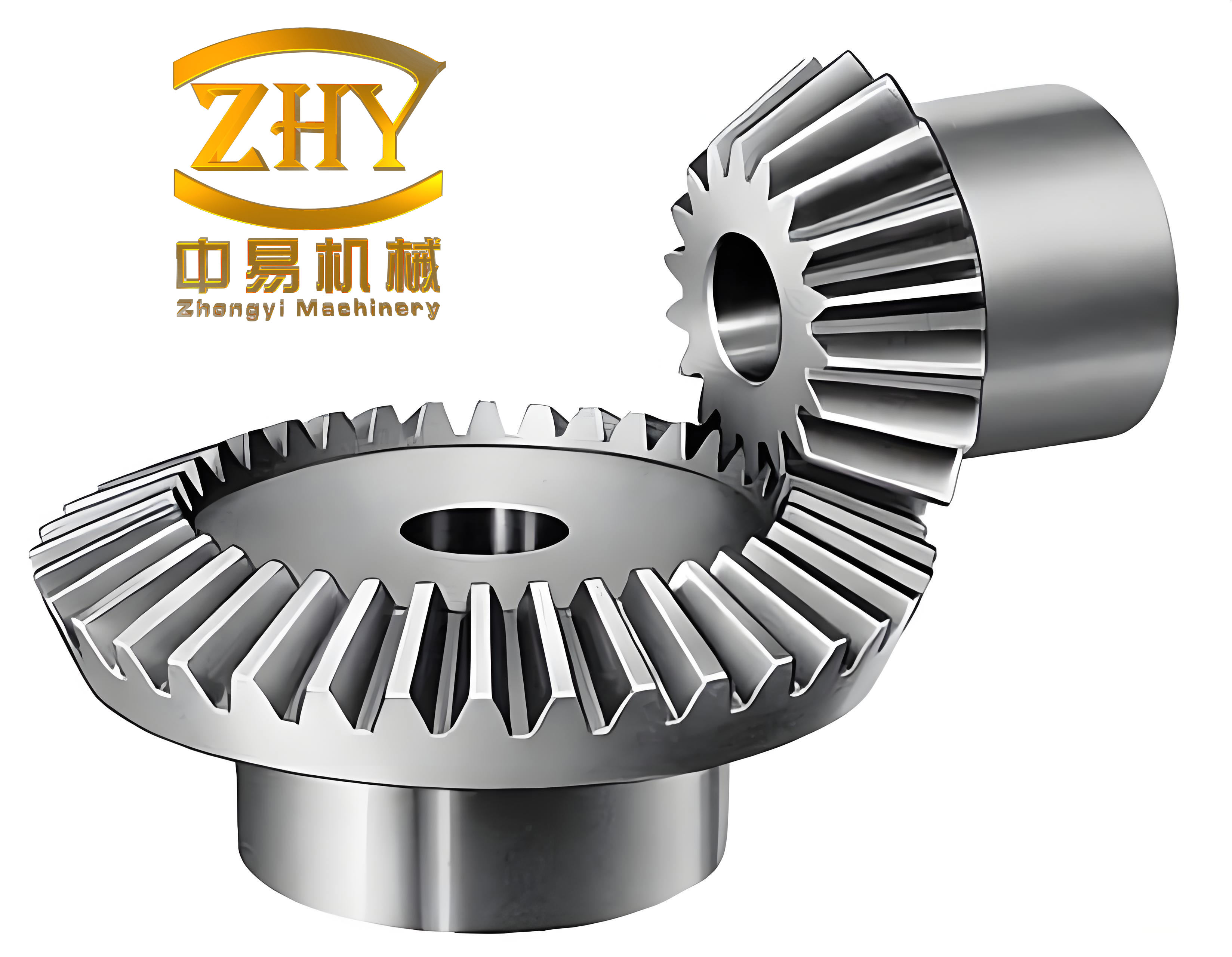
To create a final product model matching a detailed drawing, one can interactively sketch the gear’s hub, web, bore, or keyway features. This custom solid body is then combined via a Boolean union or intersection operation with the parametrically generated toothed section. Additional features like chamfers are added to complete the manufacturable 3D component.
Manufacturing Applications: From Model to Machine
The existence of a precise 3D digital model unlocks powerful manufacturing applications, significantly streamlining the production of both the gears themselves and their associated tooling.
Generating Curves for Trim Die Machining
In precision forging of straight bevel gears, a flash or burr forms around the parting line. This flash is removed in a trimming operation using a trim die. Manufacturing this die via wire Electrical Discharge Machining (EDM) requires a precise 2D cutting path. The 3D model facilitates the direct generation of this path. Based on the gear’s parameters and the user-specified trim width (which may differ for roughing and finishing dies), a conical surface representing the trim line is created programmatically. This cone’s angle must match the back cone angle of the gear’s equivalent section. The intersection curve between this trim cone and the solid gear model is computed. Projecting this 3D intersection curve onto a flat plane yields the exact 2D contour needed for the wire EDM machine. Post-processing this contour with an appropriate machine configuration file generates the final NC code (G-code) for die manufacturing.
CNC Machining Simulation and Programming
For direct machining of electrode gears or prototype gears, the 3D model serves as the core geometry for multi-axis CNC programming.
1. Process Planning and Setup:
The process begins with defining the raw stock (blank) model. A typical machining sequence for a soft blank (pre-forged or cast) without pre-cut tooth slots might involve four operations: 1) Rough slotting to remove bulk material, 2) Semi-finishing to leave a uniform stock allowance, 3) Finishing to achieve the final crowned flank geometry, and 4) Root cleaning or corner finishing. Ball-nose end mills are typically selected for their ability to closely approximate the complex curved surfaces of the crowned straight bevel gear tooth spaces.
Within the CAM module, the following setup is performed:
- Tool Definition: Create and name all required tools, defining their diameters, corner radii, and lengths.
- Geometry Definition: Specify the solid gear model as the “Part” geometry and the stock body as the “Blank” geometry.
- Method Definition: Establish machining methods (e.g., Rough, Semi-Finish, Finish) with associated tolerances and stock allowances.
- Operation Creation: Create individual machining operations (e.g., Cavity Mill, Fixed Contour), assigning the appropriate tool, geometry, and method to each. Critical parameters like cutting mode (climb/conventional), stepover, depth of cut, feed rate, spindle speed, and engagement/retraction strategies are configured here.
2. Toolpath Generation and Verification:
After setting parameters, the CAM system calculates the toolpaths. Before post-processing, it is imperative to verify these paths using integrated simulation tools. The “Dynamic” material removal simulation provides a realistic visualization of the entire machining process. After simulation, an “Analysis” function compares the in-process model against the final part model, highlighting areas: (green) within tolerance, (red) gouged, or (white/other) with remaining material. This step is crucial for preventing costly machine collisions and ensuring dimensional accuracy.
3. Post-Processing and G-Code Generation:
Once verified, the toolpath data (CL data) is translated into machine-specific G-code via a post-processor. While CAM systems provide generic post-processors (e.g., for a 3-axis mill), real-world CNC machines have unique syntax, modal commands, and auxiliary function codes (M-codes). Therefore, a custom post-processor configuration must be developed using tools like Post Builder. This configuration maps generic CAM commands to the specific dialect of the target machine controller. The final output is a ready-to-use NC program. As a final safety measure, it is standard practice to execute the first workpiece with a significantly reduced feed-rate override on the machine to confirm everything runs as simulated, before proceeding to full-speed production.
This comprehensive digital workflow—from parametric design and analysis to automated toolpath generation and verification—embodies the principles of digital manufacturing. It dramatically enhances the efficiency, accuracy, and reliability of producing complex components like the straight bevel gear, transforming traditional development cycles and opening new possibilities for optimized gear design and manufacturing.