
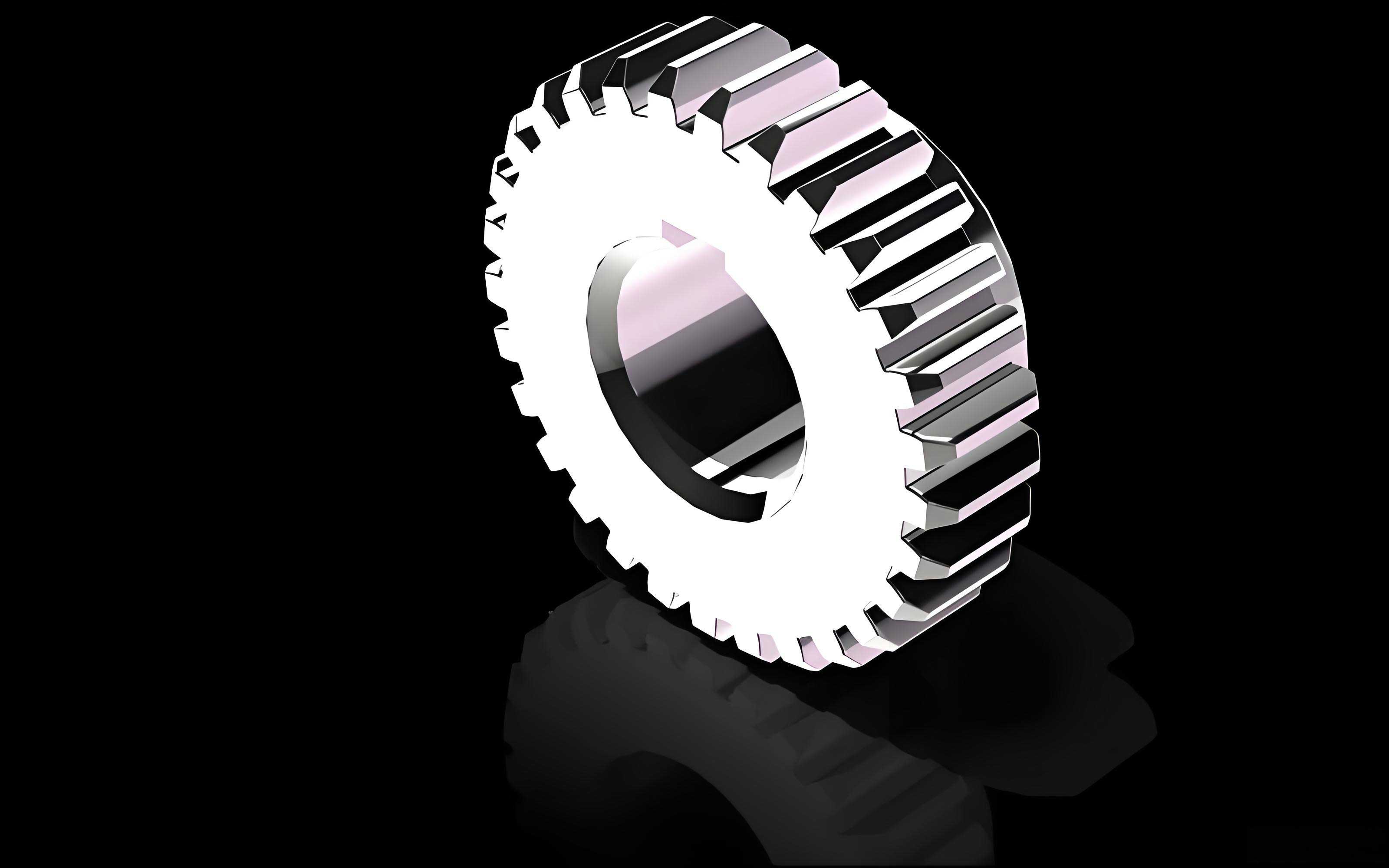
In the realm of mechanical design and transmission engineering, the spur gear remains one of the most fundamental and widely used components. Its design, particularly the accurate generation of the involute tooth profile, is critical for ensuring smooth motion transfer, high efficiency, and minimal noise. Traditional methods for creating these profiles in 3D CAD software often involve tedious point-by-point plotting or relying on external toolkits, which can compromise precision and hinder rapid design iteration. This article details a robust, first-principles methodology for the parametric design of standard involute spur gears directly within SolidWorks, leveraging its equation-driven curve functionality. This approach grants the designer complete control over the gear geometry, enabling highly accurate and easily modifiable models suitable for engineering analysis and manufacturing.
The heart of a spur gear‘s performance lies in its involute tooth form. The involute curve is defined as the path traced by a point on a taut string as it unwinds from a base circle. This geometry provides the essential property of constant relative motion and velocity ratio between mating gears. The key geometric parameters of a standard spur gear are derived from this base circle and the module (or diametral pitch) and number of teeth. The primary dimensions can be summarized as follows:
| Parameter | Symbol | Formula |
|---|---|---|
| Module | \( m \) | Fundamental size parameter (mm) |
| Number of Teeth | \( z \) | – |
| Pressure Angle | \( \alpha \) | Typically 20° or 14.5° |
| Pitch Diameter | \( d \) | \( d = m \cdot z \) |
| Base Diameter | \( d_b \) | \( d_b = d \cdot \cos(\alpha) \) |
| Addendum (Tip Height) | \( h_a \) | \( h_a = m \) (for standard gears) |
| Dedendum (Root Height) | \( h_f \) | \( h_f = 1.25m \) (common clearance) |
| Tip Diameter | \( d_a \) | \( d_a = d + 2m \) |
| Root Diameter | \( d_f \) | \( d_f = d – 2.5m \) |
The core challenge in parametric modeling is the precise mathematical definition of the involute curve. The parametric equations for an involute curve generated from a base circle of radius \( r_b \) are given in Cartesian coordinates as:
$$
x(t) = r_b (\cos(t) + t \sin(t))
$$
$$
y(t) = r_b (\sin(t) – t \cos(t))
$$
Here, the parameter \( t \) is the involute roll angle in radians. This is the foundation upon which our precise modeling technique is built, moving away from approximate spline fitting.
The Equation-Driven Curve Method
The conventional approach to drawing an involute in CAD involves calculating a set of discrete \( (x, y) \) coordinate pairs for various values of \( t \) and then using a spline to fit through these points. The accuracy of the final tooth profile of the spur gear is inherently limited by the number of points used; more points increase accuracy but also complicate the model and its updates. The method proposed here eliminates this approximation by directly utilizing SolidWorks’ “Equation Driven Curve” feature, which can accept parametric equations. This allows the software to compute the exact curve mathematically, resulting in a perfect involute form. This is especially crucial for tasks like finite element analysis (FEA) or generating precise toolpaths for manufacturing, where geometric fidelity is paramount for the spur gear.
To implement this parametrically, we must link the equation’s variables to SolidWorks global variables or dimensions. For a standard spur gear with pressure angle \( \alpha \) and module \( m \), the base radius is a derived parameter: \( r_b = (m \cdot z \cdot \cos(\alpha)) / 2 \). The parameter \( t \) must vary from a start value (often 0, starting at the base circle) to an end value \( t_{end} \) sufficient to define the tooth profile out to the tip circle. The end angle can be calculated based on the tip radius \( r_a \). The involute angle \( \theta_t \) corresponding to the tip radius is:
$$
\theta_t = \sqrt{ \left( \frac{r_a}{r_b} \right)^2 – 1 }
$$
Thus, the parameter \( t \) in the equations above ranges from 0 to \( \theta_t \). By defining \( r_b \) and \( t_{end} = \theta_t \) as global variables (e.g., “BaseRadius” and “RollAngle_Tip”), the equation-driven curve becomes fully parametric. Changing the module \( m \) or tooth count \( z \) automatically updates the base radius and the roll angle, which in turn regenerates a perfectly accurate involute curve for the new spur gear design.
Step-by-Step Parametric Modeling Workflow
This section outlines the detailed process for creating a fully parametric spur gear model using the equation-driven curve technique. The process is broken down into logical steps within a single SolidWorks sketch on the frontal plane, which is then extruded.
Step 1: Defining Fundamental Parameters and Global Variables.
First, create the driving global variables. This is typically done via “Equations” in the SolidWorks toolbar. A basic set for a standard spur gear is shown below. The beauty of this system is that modifying any of the first three parameters (Module, Tooth_Count, Pressure_Angle) will automatically cascade and update the entire model.
| Variable Name | Value / Formula | Description |
|---|---|---|
| Module | 3 mm | Gear module (size) |
| Tooth_Count | 24 | Number of teeth, \( z \) |
| Pressure_Angle | 20 deg | \( \alpha \), standard value |
| Pitch_Dia | “=Module * Tooth_Count” | \( d \) |
| Base_Dia | “=Pitch_Dia * cos(Pressure_Angle)” | \( d_b \) |
| Tip_Dia | “=Pitch_Dia + 2 * Module” | \( d_a \) |
| Root_Dia | “=Pitch_Dia – 2.5 * Module” | \( d_f \) |
| Base_Radius | “=Base_Dia / 2” | \( r_b \) |
| Tip_Radius | “=Tip_Dia / 2” | \( r_a \) |
| RollAngle_Tip | “=sqrt((Tip_Radius/Base_Radius)^2 – 1)” rad | Involute parameter at tip, \( \theta_t \) |
Step 2: Sketching Reference Geometry.
In a new sketch, create the concentric reference circles using the “Circle” tool. Dimension each circle’s diameter by linking it to the corresponding global variable (e.g., “Base_Dia”, “Tip_Dia”, “Root_Dia”). Also, draw a vertical centerline through the origin. This centerline will later serve as the line of symmetry for a single tooth space.
Step 3: Inserting the Precise Involute Curve.
This is the critical step. Use the “Equation Driven Curve” tool (found under: Sketch Tools > Equation Driven Curve). Select the “Parametric” option. In the input fields, enter the parametric equations, linking them to your global variables. For the X(t) and Y(t) equations, you would enter:
- X(t): `”Base_Radius” * (cos(t) + t * sin(t))`
- Y(t): `”Base_Radius” * (sin(t) – t * cos(t))`
Set the parameter `t` to range from `0` to `”RollAngle_Tip”`. SolidWorks will interpret the linked variable names and generate the exact involute curve from the base circle out to the tip circle. This curve defines one flank of the spur gear tooth.
Step 4: Completing the Single Tooth Profile.
The tooth profile is symmetric about the centerline of the tooth. The angular width of one tooth on the pitch circle is \( \pi / z \) radians. Therefore, the centerline for our tooth should be rotated from the vertical centerline by half of this angle: \( \theta_{tooth\_center} = \pi / (2z) \). Create a centerline at this angle. Now, mirror the generated involute curve about this tooth centerline to create the opposite flank of the same spur gear tooth.
Next, close the tooth profile. Draw lines or arcs to connect the ends of the two involute curves at the tip circle (forming the tooth tip land) and down towards the root circle. The fillet at the root between the tooth flank and the root circle is crucial for reducing stress concentration. A common simplification is to use a single radius (e.g., \( r_f = 0.38m \) per some standards, or a simpler \( 0.3m \)) tangent to both the involute (near its start at the base circle) and the root circle. Use the “Fillet” command in the sketch to create this root fillet. Ensure all entities are connected into a single, closed contour.
Step 5: Creating the Solid Gear Model.
Exit the sketch. Use the “Extruded Boss/Base” feature to create the 3D gear blank from the single tooth profile you just sketched. The extrusion depth can be another global variable, “Face_Width”. This results in a solid body featuring one perfect tooth. To create the complete spur gear, use the “Circular Pattern” feature. Select the extruded tooth as the feature to pattern, and the central axis of the gear (which can be a temporary axis through the origin) as the axis of rotation. Set the number of instances equal to “Tooth_Count” and the total angle to 360 degrees. SolidWorks will then generate the full set of teeth, resulting in a complete, parametrically-driven spur gear model.
Advantages and Extended Applications
The equation-driven method offers significant advantages over traditional modeling techniques for spur gear design, which are summarized in the following comparison table.
| Aspect | Traditional Point-Fitting Method | Equation-Driven Curve Method |
|---|---|---|
| Geometric Accuracy | Approximate; depends on point density. | Mathematically exact. |
| Parametric Flexibility | Poor; updating gear parameters often requires redrawing points. | Excellent; changes in `m`, `z`, or `α` automatically update the entire profile. |
| Model Robustness | Can suffer from sketch constraints breaking on update. | More stable due to direct algebraic links. |
| Design Iteration Speed | Slow. | Very fast. |
| Suitability for Analysis | May introduce geometric noise in FEA/CFD. | Provides a clean, precise geometry for high-fidelity simulation. |
Furthermore, this foundational technique is not limited to standard gears. It can be elegantly extended to model more complex spur gear types:
- Spur Gears with Larger Tooth Counts (\( d_f > d_b \)): For gears where the root circle is larger than the base circle, the involute does not extend into the root. The tooth profile from the root circle up to the base circle is typically a radial line or a small fillet. The modeling process is identical, but the involute parameter `t` starts from a value >0, calculated from the base circle condition, and the root section is drawn accordingly.
- Profile-Shifted (X-Type) Spur Gears: These are gears where the cutting tool is shifted relative to the workpiece to avoid undercut or to adjust center distance. This results in modified tip and root diameters and a working pressure angle. The core equations remain the same, but the key diameters change:
$$ d = m \cdot z $$
$$ d_b = m \cdot z \cdot \cos(\alpha) $$
$$ d_a = m \cdot z + 2m(1 + x) $$
$$ d_f = m \cdot z – 2m(1.25 – x) $$
where \( x \) is the profile shift coefficient. By adding `x` as a global variable and updating the diameter formulas, the same parametric model can generate shifted spur gears. - Webbed or Lightweight Spur Gears: Once the precise tooth profile is generated parametrically, standard SolidWorks features (extrude cut, circular pattern, rib, etc.) can be added to create lightening holes, webs, or hubs, all linked to the main gear dimensions for full associativity.
Conclusion
Parametric design is a cornerstone of modern mechanical engineering, enabling rapid prototyping, design optimization, and the management of product families. The method described herein—utilizing the equation-driven curve function to generate the exact involute profile—provides a superior foundation for the parametric modeling of spur gears in SolidWorks. It eliminates the inaccuracies of spline fitting, creates robust and easily modifiable models, and forms a flexible platform that can be adapted to both standard and specialized gear design tasks. By mastering this technique, designers and engineers can ensure the geometric integrity of their spur gear components from the initial concept through to advanced digital simulation and manufacturing preparation, ultimately contributing to more reliable and efficient mechanical systems.