
In the field of mechanical manufacturing, the straight spur gear is widely utilized due to its reliable operation, precise and stable transmission ratio, high efficiency, long service life, simple structure, low manufacturing cost, and convenience in measurement and installation. However, the design method and process of a straight spur gear are often complex and tedious because of the complicated tooth structure and tooth profile shape. By employing the secondary development module of Creo software, the system records the design steps and a list of dimensional parameters in the form of a program during modeling, thereby establishing a database for the design of similar gears and generating the design model. Users who need to design a straight spur gear can simply modify the program parameters to generate a new gear. This approach allows even technicians unfamiliar with 3D software to update the design using the established model, greatly reducing repetitive labor. Furthermore, it lays a solid foundation for transmission simulation, optimization design, finite element analysis, and actual production processing of the straight spur gear.
This article focuses on my work regarding the parametric design of a standard straight spur gear using Creo. I will explain the preparation steps, the establishment of design relationships, the creation of the involute tooth profile, and the final solid model generation. The entire process is driven by parameters, enabling rapid modification and regeneration of different straight spur gear designs.
Preparation for Parametric Design of Straight Spur Gear
Before diving into the parametric design, I first need to define the fundamental geometric relationships of the straight spur gear. The most critical curve is the involute tooth profile, which ensures proper meshing and conjugate action.
Cartesian Coordinate Equation of the Involute Curve
For a standard straight spur gear with base circle diameter \( d_1 \), the involute curve can be expressed in Cartesian coordinates as follows, where \( R = d_1/2 \) and the parameter \( T \) varies from 0 to 1, representing an angle \( \theta = T \cdot 90^\circ \):
$$
\begin{cases}
X = R \cdot \cos(\theta) + R \cdot \sin(\theta) \cdot \theta \cdot (\pi / 180) \\
Y = R \cdot \sin(\theta) – R \cdot \cos(\theta) \cdot \theta \cdot (\pi / 180) \\
Z = 0
\end{cases}
$$
This parametric representation accurately defines the involute profile required for the straight spur gear tooth flanks.
Structural Parameter Equations
For a standard straight spur gear with an addendum coefficient of 1 and a clearance coefficient of 0.2, the primary structural parameters are listed in the following table. These parameters are interrelated and depend on the four design variables: module \( m \), number of teeth \( z \), face width \( B \), and pressure angle \( \alpha \).
| Parameter | Equation | Description |
|---|---|---|
| Root diameter | \( d_0 = m \cdot z – 2.5 m \) | Diameter of dedendum circle |
| Pitch diameter | \( d_2 = m \cdot z \) | Diameter of standard pitch circle |
| Base diameter | \( d_1 = d_2 \cdot \cos(\alpha) \) | Diameter of base circle |
| Addendum diameter | \( d_3 = m \cdot z + 2 m \) | Diameter of addendum circle |
| Addendum | \( h_a = m \) | Radial height of tooth above pitch circle |
| Dedendum | \( h_f = 1.25 m \) | Radial depth of tooth below pitch circle |
| Circular pitch | \( p = \pi \cdot m \) | Distance along pitch circle between corresponding points of adjacent teeth |
| Tooth thickness | \( s = \frac{\pi m}{2} \) | Arc thickness on pitch circle |
| Space width | \( e = s \) | Arc width of tooth space on pitch circle |
Design Variables and Relationships
From the above equations, I set the four independent design variables as:
- Module: \( m \)
- Number of teeth: \( z \)
- Face width: \( B \)
- Pressure angle: \( \alpha \)
All other dimensions are derived from these variables using the relationships listed above. These relationships are implemented as Creo relations (equations) that automatically update when any variable changes.
Basic Principle of Parametric Design in Creo
It is important to note that Creo’s feature-based parametric design follows the concept of “similar structure but different dimensions.” Products of different sizes can be generated by modifying dimensions. Every time I create a model in Creo, a corresponding macro file records the entire modeling process. By editing this macro file, I can control the generation of the model. Using Creo’s parametric design module, I first select a programming language, then input the values of design variables (in a human-computer interaction mode), such as feature dimensions, existence parameters, relationships among features, and quality parameters. The model is then regenerated by driving these design variables, significantly improving design efficiency.
The relations are equations connecting dimension symbols and parameters. Parameters used in relations must start with a letter (case-insensitive) and cannot contain illegal characters like !, “, @, or #. Each dimension value is assigned a unique system-generated dimension ID, and by changing the variable values, the shape and size of the model are altered.
Step-by-Step Parametric Design of the Straight Spur Gear
I will now describe the actual modeling process I followed in Creo. Initial values for the design variables were set as: \( m = 1 \), \( z = 20 \), \( \alpha = 20^\circ \), \( B = 5 \).
Setting the Variables
In Creo, I first created user-defined parameters with the names and initial values as mentioned. This allows me to later modify these values to generate different straight spur gear designs.
Creating the Basic Circles
Using the sketch tool, I drew four concentric circles of arbitrary diameters. Then I added the following relations to assign the correct dimensions:
$$
\begin{aligned}
d_0 &= m \cdot z – 2.5 m \\
d_2 &= m \cdot z \\
d_1 &= d_2 \cdot \cos(a) \\
d_3 &= m \cdot z + 2 m
\end{aligned}
$$
After regenerating the model, the circles automatically assumed the correct diameters: addendum circle (\( d_3 \)), pitch circle (\( d_2 \)), base circle (\( d_1 \)), and root circle (\( d_0 \)).
Creating the Involute Curve
I inserted a datum curve using the equation-driven option. The coordinate system was set to Cartesian, and the equations for the involute were entered as described earlier. The resulting curve represents one side of the tooth profile of the straight spur gear.
Creating a Single Tooth Surface
To create the tooth surface, I extruded the involute curve as a surface along the gear axis with a depth equal to the face width \( B \). This gave relation:
$$ d_4 = B $$
Then I extended the surface from the root circle to the gear center by a distance equal to the root radius \( d_0/2 \), resulting in relation:
$$ d_5 = d_0 / 2 $$
Next, I needed to find the symmetry axis for a single tooth. The intersection point of the involute with the pitch circle is the meshing point. Since the tooth thickness corresponds to a central angle of \( 360/(2z) \), half of that angle is \( d_6 = 360/(4z) \). By rotating the involute surface around the gear axis by this angle, I obtained the symmetry axis. Using mirroring, I created the opposite involute flank. The relations for these operations are:
$$ d_6 = 360 / (4 \cdot z) $$
$$ d_7 = B $$
$$ d_8 = 360 / z $$
$$ d_9 = z – 1 $$
$$ d_{10} = B $$
The root circle was then extruded as a solid (or surface) with depth \( B \), giving relation \( d_7 = B \).
After trimming the area between the two involute flanks and the root circle, I obtained a closed profile of a single tooth space.
Copying the Second Tooth
The single tooth surface was rotated around the gear axis by an angular pitch of \( 360^\circ / z \). This angular distance is stored as relation \( d_8 = 360/z \). This copy served as the basis for the full array.
Arraying the Tooth Surfaces
Using the pattern feature, I arrayed the copied tooth surface along the same angular direction. The number of instances was set to \( z – 1 = 19 \) to avoid duplication (since the first tooth already exists). The angular increment was defined by a relation: memb_i = 360 / z. After patterning, the complete set of tooth flanks was created.
Merging and Solidifying the Tooth Surfaces
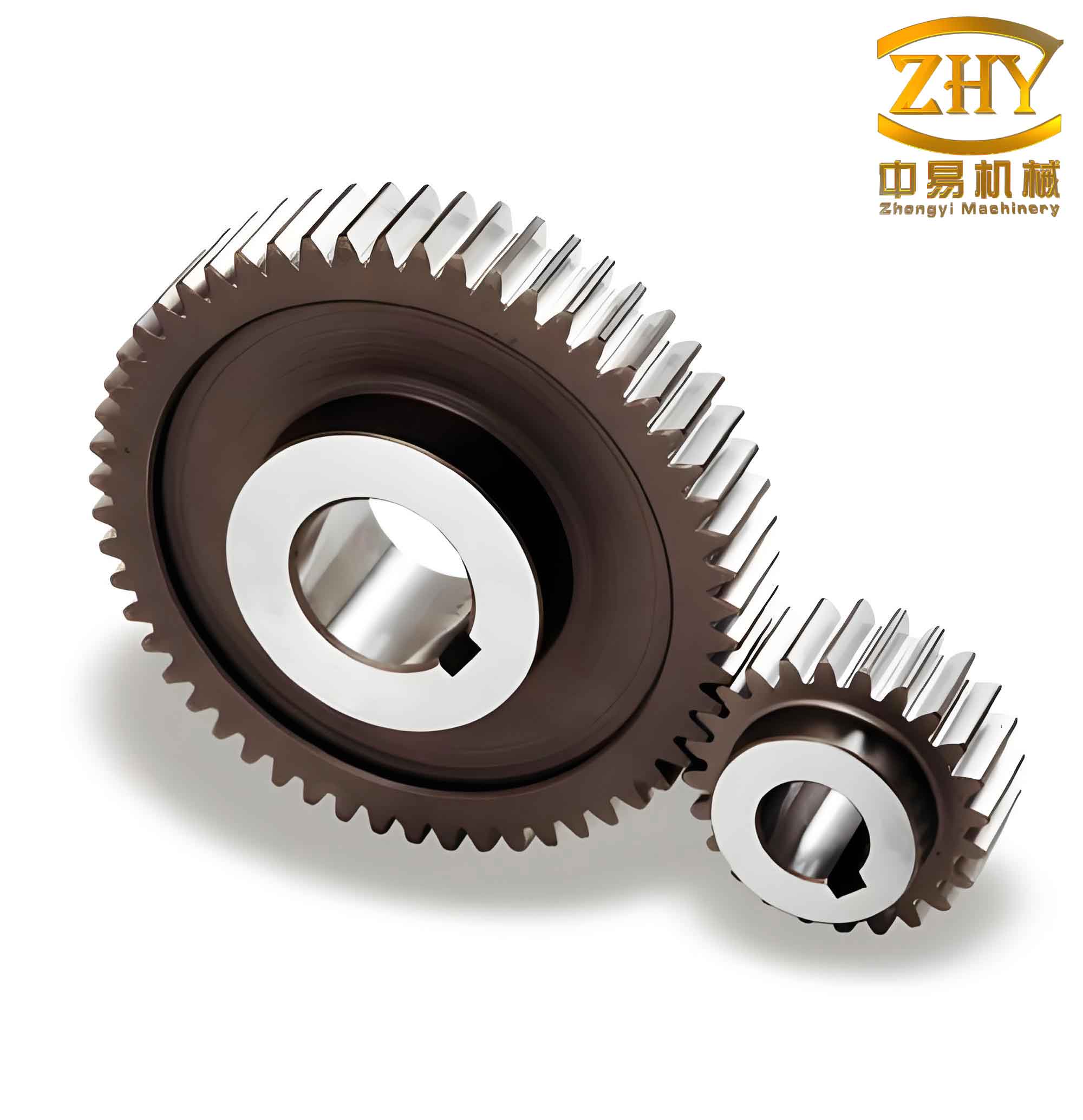
I merged all tooth surfaces sequentially to form a single quilt. Then I created an additional surface by extruding the addendum circle to a depth equal to \( B \) (relation \( d_{10} = B \)). This addendum surface was merged with the tooth quilt to produce a closed surface representing the entire gear body. Finally, I converted this quilt into a solid using the “Solidify” command. The resulting solid model is a fully parametric straight spur gear.
Application of Parametric Design
After completing the parametric model, I can modify any of the design variables—\( m \), \( z \), \( B \), or \( \alpha \)—and the system immediately regenerates a new straight spur gear. The following table demonstrates several examples of different input values and the resulting designs.
| Case | \( m \) | \( z \) | \( B \) | \( \alpha \) (°) | Pitch Diameter | Addendum Diameter | Root Diameter | Base Diameter |
|---|---|---|---|---|---|---|---|---|
| 1 | 1 | 20 | 5 | 20 | 20 | 22 | 17.5 | 18.794 |
| 2 | 1.5 | 30 | 10 | 20 | 45 | 48 | 41.25 | 42.286 |
| 3 | 1 | 12 | 5 | 20 | 12 | 14 | 9.5 | 11.276 |
Additionally, other features such as keyways, shaft holes, chamfers, and fillets can be added using the same parametric approach. By defining their dimensions as functions of the main variables, the entire model remains adaptable and consistent.
Advantages of the Parametric Design Approach for Straight Spur Gear
The parametric solid model of the straight spur gear developed in Creo offers several significant advantages:
- Accurate complex geometry: The involute profile is precisely generated from mathematical equations, ensuring correct tooth meshing.
- Rapid generation of multiple design variants: Changing a few variables produces a new gear in seconds.
- Easy modification: Design changes can be made at any time without rebuilding the model from scratch.
- Seamless integration with downstream applications: The parametric model is ready for finite element analysis (FEA), motion simulation, and manufacturing (CAM) with correct geometry.
This methodology increases design efficiency, reduces manual effort, and ensures consistency across different sizes of straight spur gears. Furthermore, the same parametric design concept can be extended to other gear types (helical, bevel, etc.) and to other mechanical components.
Conclusion
Through my work on the parametric solid design of a standard straight spur gear using Creo, I have demonstrated a systematic and efficient approach to handle the complexity of gear geometry. By defining the design variables, establishing relational equations, and leveraging Creo’s feature-based parametrics, the process of creating accurate straight spur gear models is greatly simplified. The resulting database of parameters allows for rapid iteration and optimization, ultimately leading to better product quality and shorter development cycles. This method is highly recommended for engineers involved in gear design, as it provides a solid foundation for further analysis and manufacturing.