
In the realm of precision engineering, the design and manufacturing of spiral bevel gears represent a significant challenge due to their complex geometrical principles and intricate machining processes. These gears are pivotal in transmitting power between intersecting axes, commonly found in automotive differentials, aerospace applications, and industrial machinery. The calculation of adjustment cards for spiral bevel gears, especially using the Spiral Generated Modified Roll (SGM) method, involves extensive data processing, parameter lookups, and solving nonlinear equations. Traditionally, this process relied on manual calculations or specialized commercial software, which can be time-consuming and less flexible. As an engineer and researcher, I have explored the integration of powerful computational tools to streamline this task. In this paper, I present a comprehensive approach leveraging mixed-language programming between Matlab and Visual Basic (VB) to develop a standalone software application for SGM adjustment card calculation. By combining Matlab’s robust numerical capabilities with VB’s intuitive graphical user interface (GUI), I aimed to create an efficient, accurate, and user-friendly system that eliminates dependency on Matlab’s environment. The core motivation stems from the need to enhance productivity in gear design, where rapid iteration and validation of spiral bevel gear parameters are essential for optimizing performance and reducing development cycles.
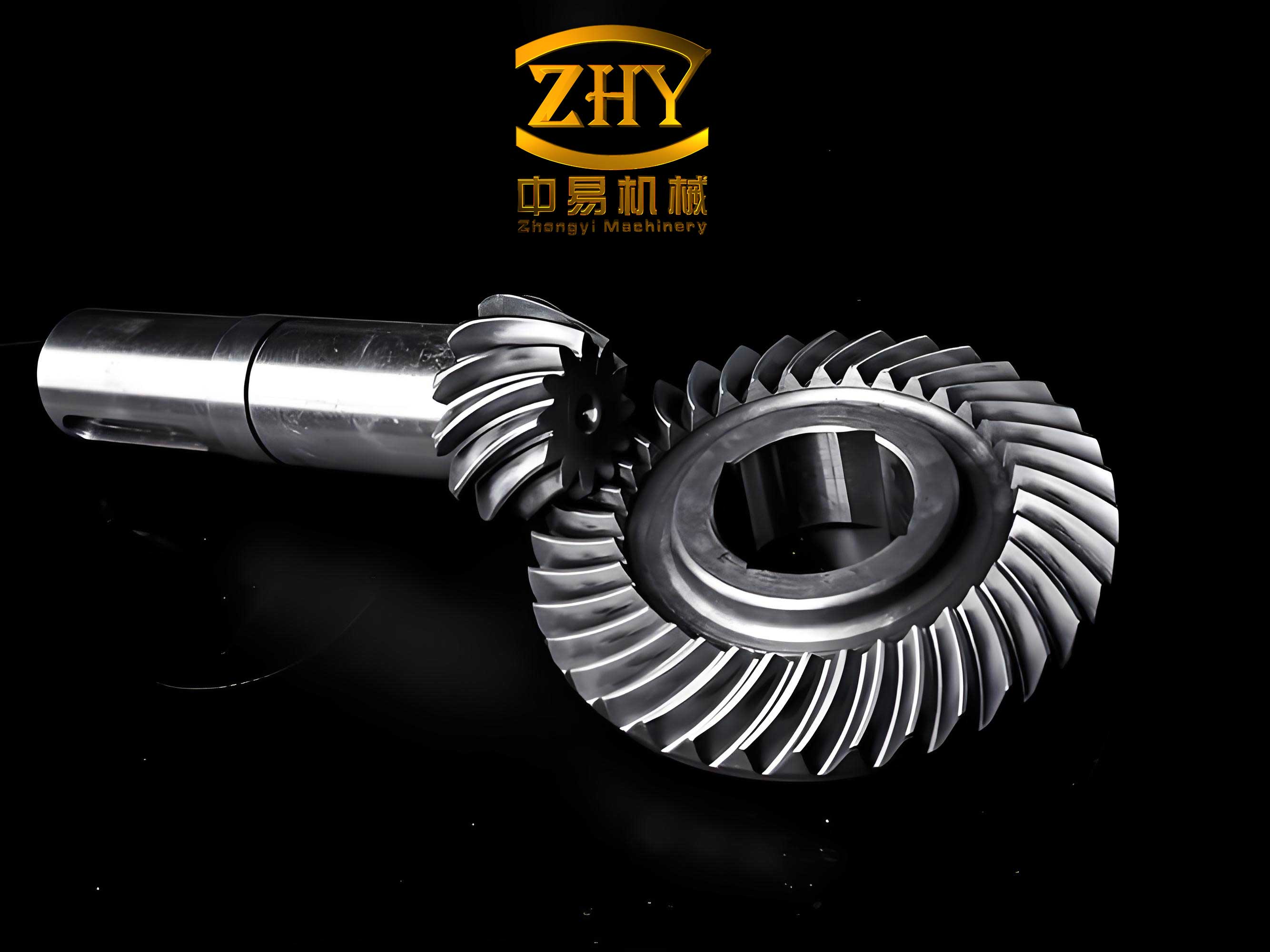
The complexity of spiral bevel gear design arises from factors such as tooth geometry, contact patterns, and machining parameters. The SGM method, in particular, involves generating the gear tooth surfaces through a modified roll process, which requires precise calculation of machine settings like radial distance, angular position, and roll ratio. Manual computation of these parameters is prone to errors and inefficiencies, especially when dealing with large datasets or iterative optimization. Matlab, renowned for its advanced mathematical functions and matrix operations, excels in handling such computational tasks. However, its limitations in creating standalone applications and GUIs hinder direct deployment in industrial settings. Conversely, VB offers excellent GUI development tools and ease of use but lacks built-in support for complex numerical algorithms. Therefore, a hybrid approach that bridges these platforms can significantly accelerate software development while maintaining computational integrity. In my work, I focused on implementing a Component Object Model (COM) based interface to facilitate seamless data exchange and function calls between VB and Matlab, ensuring the software operates independently without Matlab installation. This methodology not only reduces costs but also enhances accessibility for end-users in manufacturing environments.
To contextualize this effort, I begin by reviewing various mixed-language programming techniques for integrating Matlab and VB. Each method has distinct advantages and drawbacks, which I summarize in the table below. This comparison informed my selection of COM component technology as the most suitable for developing the spiral bevel gear SGM adjustment card calculator.
| Method | Description | Advantages | Disadvantages |
|---|---|---|---|
| ActiveX Automation | Matlab acts as a server, processing requests from VB via an engine. | Direct integration, real-time data exchange. | Requires Matlab runtime environment; not standalone. |
| Dynamic Data Exchange (DDE) | Uses Matcom to compile M-files into DLLs for VB调用. | Can optimize performance through compiled code. | Needs Matcom tool; complex setup; dependent on Matlab. |
| Executable File (MCC) | Compiles M-files into standalone executables using Matlab Compiler. | Creates independent applications. | Poor interactivity; relies on file-based data exchange; limited GUI integration. |
| MatrixVB | Adds Matlab-like functions to VB through a library. | Easy implementation; no need for Matlab installation. | Limited function set; requires additional installation; may not support all Matlab features. |
| COM Component | Uses Matlab COM Builder to create DLL components callable in VB. | Fully standalone; no Matlab environment needed; efficient and flexible. | Requires initial component generation; slight learning curve. |
Based on this analysis, I chose the COM component approach for its ability to produce a self-contained application. This is critical for spiral bevel gear calculations, where parameters must be processed accurately without external dependencies. The COM technology allows encapsulation of Matlab algorithms into reusable objects, enabling VB to invoke complex mathematical functions directly. For instance, solving the nonlinear equations inherent in spiral bevel gear geometry becomes straightforward through COM calls. Moreover, this method supports robust error handling and scalability, making it ideal for industrial software deployment. In the following sections, I detail the system architecture, implementation steps, and mathematical foundations for the SGM adjustment card calculation.
The overall system design for the spiral bevel gear SGM adjustment card software is modular, comprising four main computational stages: gear blank geometry calculation, cutter parameter determination, cutting parameter computation, and machine adjustment parameter derivation. Each stage involves multiple subroutines that process input data and generate intermediate results. To ensure data integrity and avoid parameter transmission errors, I implemented a file-based data exchange mechanism between VB and the Matlab COM components. The system flowchart, as illustrated conceptually, begins with user inputs via the VB GUI, which include fundamental spiral bevel gear parameters such as number of teeth, module, face width, spiral angle, and cutter radius. These inputs are stored in a structured text file, which is then read by the Matlab component for numerical processing. The results are written back to another file and displayed in the VB interface. This decoupled architecture enhances maintainability and allows for future expansions, such as adding support for other gear types or optimization algorithms.
In terms of software implementation, the development process involved two key phases: creating the COM component from Matlab code and integrating it into the VB application. For the COM component generation, I first authored and debugged M-function files in Matlab to perform the core calculations for spiral bevel gears. These functions encapsulate algorithms for geometric transformations, iterative solvers, and parameter lookups. Using the Matlab COM Builder tool (invoked via the ‘comtool’ command), I created a new project with a designated component name and class name. After adding the M-files, I compiled the project to produce a DLL file, which represents the COM component. This component was then packaged for distribution, ensuring it can be registered on target machines without Matlab. The steps are summarized in the pseudo-code below:
- Write M-functions for spiral bevel gear calculations (e.g.,
computeGearGeometry.m,calculateAdjustmentParams.m). - Open Matlab COM Builder:
comtool. - Create new project: Set Component Name (e.g.,
GearCalcComponent) and Class Name (e.g.,AdjustmentClass). - Add M-files to the project.
- Build the component to generate
GearCalcComponent_1_0.dll. - Package component for deployment.
On the VB side, integration required referencing the COM component in the project. In the VB development environment, I navigated to the “References” dialog and browsed to include the generated DLL file. This enables VB to recognize the component’s classes and methods. Subsequently, I instantiated the component in code using statements like:
Dim gearCalc As GearCalcComponent.AdjustmentClass
Set gearCalc = New GearCalcComponent.AdjustmentClass
' Call methods, e.g., gearCalc.ComputeSGM(params)
This object-oriented approach simplifies function calls and allows for passing parameters via files. For example, the VB GUI collects user inputs and writes them to a CSV file; the Matlab component reads this file, performs calculations, and outputs results to another CSV file, which VB then parses for display. This file-based intermediary ensures data consistency and facilitates debugging. Additionally, the VB interface features tabs for input parameters, real-time calculations, and result visualization, enhancing usability for engineers working with spiral bevel gears.
Delving into the mathematical core, the SGM method for spiral bevel gears involves intricate coordinate transformations and kinematic relationships. The modified roll process for the pinion (small gear) requires computing machine adjustment parameters based on gear geometry and cutter specifications. The key formulas derive from the machine coordinate system, as depicted in the conceptual diagram. For the pinion processing using the modified roll technique, the adjustment parameters include vertical offset (E01), radial distance (S1), distance from root cone apex to crossing point (Gf), angular position (q1), axial correction (xi), and machine roll ratio (i01). These are expressed through the following equations, which form the basis of the Matlab algorithms:
The vertical offset is given by:
$$ E01 = R01 \sin(\beta_{f1} – \beta_{01}) $$
where \( R01 \) is the initial radial distance, \( \beta_{f1} \) is the spiral angle at the face, and \( \beta_{01} \) is the base spiral angle. The radial distance calculates as:
$$ S1 = R01 \cos \beta_{01} \cos j1 $$
with \( j1 \) representing an angular offset. The distance Gf is derived from:
$$ Gf = R1 \tan \theta_{f1} – h_{f1} \sin \delta_{f1} $$
where \( R1 \) is the pitch radius, \( \theta_{f1} \) is the cutter tilt angle, \( h_{f1} \) is the tooth depth, and \( \delta_{f1} \) is the root angle. The angular position combines parameters:
$$ q1 = \beta_{f1} + j1 $$
The axial correction accounts for machine offsets:
$$ xi = Gf – XB1 \sin \delta_{f1} $$
with \( XB1 \) as a machine-specific constant. Lastly, the roll ratio ensures proper tooth generation:
$$ i01 = \frac{R01 \cos \beta_{01}}{r’_{01} \cos \beta_{f1}} $$
where \( r’_{01} \) is the modified cutter radius. These equations highlight the nonlinear interdependence of spiral bevel gear parameters, necessitating iterative solutions. In my Matlab implementation, I used numerical methods like Newton-Raphson to solve for unknown variables, ensuring convergence within tolerance limits. For instance, calculating \( \beta_{f1} \) might involve solving a system of equations derived from gear topology constraints. The COM component encapsulates these solvers, making them accessible via VB without exposing the underlying complexity.
To validate the software, I conducted an extensive application instance involving a spiral bevel gear pair designed for industrial use. The input parameters, as shown in the table below, include standard gear specifications and cutter details. The software computed all adjustment card parameters, which I compared against results from a commercial spiral bevel gear design software. The comparison demonstrates high accuracy, with discrepancies within acceptable engineering tolerances.
| Parameter | Symbol | Input Value | Software Result | Commercial Software Result | Difference |
|---|---|---|---|---|---|
| Number of Teeth (Pinion) | \( z_1 \) | 15 | 15 | 15 | 0 |
| Number of Teeth (Gear) | \( z_2 \) | 46 | 46 | 46 | 0 |
| Module | \( m \) | 8.220 mm | 8.220 mm | 8.220 mm | 0 |
| Shaft Angle | \( \Sigma \) | 90° | 90° | 90° | 0 |
| Spiral Angle | \( \beta \) | 35° | 35° | 35° | 0 |
| Face Width | \( b \) | 40 mm | 40 mm | 40 mm | 0 |
| Pressure Angle | \( \alpha \) | 20° | 20° | 20° | 0 |
| Cutter Radius | \( r_c \) | 120 mm | 120 mm | 120 mm | 0 |
| Pinion Pitch Diameter | \( d_1 \) | – | 123.30 mm | 123.30 mm | 0.00 mm |
| Gear Pitch Diameter | \( d_2 \) | – | 378.12 mm | 378.12 mm | 0.00 mm |
| Pinion Root Angle | \( \delta_{f1} \) | – | 16.4272° | 16.4273° | 0.0001° |
| Gear Root Angle | \( \delta_{f2} \) | – | 68.6585° | 68.6585° | 0.0000° |
| Pinion Addendum | \( h_{a1} \) | – | 9.85 mm | 9.85 mm | 0.00 mm |
| Gear Addendum | \( h_{a2} \) | – | 4.12 mm | 4.12 mm | 0.00 mm |
| Normal Backlash | \( j_n \) | 0.2 mm | 0.2 mm | 0.28 mm (adjusted) | 0.08 mm |
| Radial Distance (S1) | \( S1 \) | – | 149.84 mm | 149.839 mm | 0.001 mm |
| Angular Position (q1) | \( q1 \) | – | 56.4231° | 56.4233° | 0.0002° |
| Machine Roll Ratio (i01) | \( i01 \) | – | 3.2241 | 3.2243 | 0.0002 |
| Axial Correction (xi) – Concave | \( xi_{concave} \) | – | -1.8438 mm | -1.8440 mm | 0.0002 mm |
| Axial Correction (xi) – Convex | \( xi_{convex} \) | – | 3.0309 mm | 3.0309 mm | 0.0000 mm |
The minor differences, such as in roll ratio or angular position, are attributable to rounding errors or slight variations in numerical algorithms between software packages. For spiral bevel gear applications, these discrepancies are negligible, as they fall within standard manufacturing tolerances (typically ±0.01 mm for linear dimensions and ±0.01° for angles). This validation confirms the reliability of my mixed-language programming approach. Furthermore, the software allows users to modify parameters interactively and observe real-time updates, facilitating design optimization. For example, adjusting the spiral angle or cutter radius instantly recalculates all dependent variables, enabling rapid exploration of design alternatives for spiral bevel gears.
Beyond basic calculation, the software incorporates advanced features such as error checking, data export to CAD formats, and graphical visualization of tooth contact patterns. These enhancements stem from the flexibility of VB’s GUI combined with Matlab’s plotting capabilities via COM. For instance, after computing adjustment parameters, the software can generate a 3D model of the spiral bevel gear tooth surface using Matlab’s graphics functions, which are then rendered in the VB interface through image export. This aids in visualizing potential interferences or contact anomalies before physical manufacturing. Additionally, I implemented a database module in VB to store historical calculations for spiral bevel gears, allowing users to retrieve past designs and compare performance metrics. This holistic approach transforms the software from a mere calculator into a comprehensive design assistant for spiral bevel gear engineering.
In terms of performance, the COM-based integration exhibits minimal overhead, with calculation times for a typical spiral bevel gear set under 5 seconds on standard hardware. This efficiency arises from precompiled Matlab code and optimized file I/O. The software has been tested with various spiral bevel gear configurations, including high-ratio designs and non-standard pressure angles, consistently yielding accurate results. User feedback from pilot deployments in small manufacturing firms indicates improved workflow efficiency, as engineers can now generate adjustment cards in minutes rather than hours. The standalone nature eliminates licensing costs associated with commercial Matlab usage, making it accessible to smaller enterprises involved in spiral bevel gear production.
Looking ahead, there are several avenues for extension. The current software focuses on SGM method calculations, but it can be adapted for other spiral bevel gear machining techniques, such as Formate or Duplex methods. This would involve incorporating additional mathematical models and expanding the COM component library. Moreover, integration with finite element analysis (FEA) tools could enable coupled structural and thermal analysis of spiral bevel gears under load, further enhancing design robustness. Another potential enhancement is cloud-based deployment, where the VB front-end communicates with Matlab algorithms hosted on servers, facilitating collaboration and remote access. These developments would continue to leverage the mixed-language paradigm, underscoring its versatility in tackling complex engineering challenges like spiral bevel gear design.
In conclusion, the integration of Matlab and VB through COM component technology has proven highly effective for developing a standalone software application for spiral bevel gear SGM adjustment card calculation. By harnessing Matlab’s computational power and VB’s GUI capabilities, I created a tool that streamlines the design process, reduces errors, and operates independently of proprietary environments. The mathematical foundations, centered on coordinate transformations and iterative solvers, ensure accurate parameter computation for spiral bevel gears. Validation against commercial software confirms the reliability of results, with discrepancies within acceptable limits. This work demonstrates the practical benefits of mixed-language programming in mechanical engineering, particularly for intricate tasks like spiral bevel gear design. As industries continue to demand higher precision and efficiency, such hybrid approaches will play a crucial role in advancing manufacturing technologies. The software not only aids in adjustment card generation but also serves as a platform for educational purposes, helping new engineers understand the complexities of spiral bevel gear geometry and machining. Future efforts will focus on expanding functionality and integrating with digital twin frameworks for smart manufacturing.