
In modern machinery, gear transmission is one of the most common methods for transferring power and motion. The process of gear shaping, a form of generative machining, is widely used in industry but often difficult to visualize directly during manufacturing. Traditional methods for designing gear shaping tools involve extensive calculations and trial-and-error, leading to high costs and prolonged development cycles. To address this, I explore the use of MATLAB software for simulating the gear shaping process. MATLAB, with its user-friendly interface, powerful functionality, and ease of secondary development, is extensively applied in intelligent manufacturing. By leveraging MATLAB for gear shaping simulation, I aim to achieve realistic visualization with simple programming, thereby providing engineers and technicians with an intuitive understanding of gear formation. This approach not only aids in educational contexts but also offers practical benefits in industrial settings by enabling pre-validation of tool designs, reducing trial costs, and promoting lean production. In this paper, I detail my work on developing a simulation system for gear shaping based on MATLAB, covering parameter definitions, mathematical modeling, programming, and graphical display.
The simulation of gear shaping is crucial for understanding the intricate process of gear tooth generation. Generative methods, which rely on the fundamental law of gear meshing, are standard in gear manufacturing. However, the actual gear shaping process involves multiple motions: the reciprocating cutting motion of the tool, radial feed motion, workpiece retraction motion, and the generative motion between the tool and workpiece at a constant transmission ratio. For beginners, comprehending the complete formation process can be challenging. To intuitively replicate the gear shaping process, I define the tool geometry, establish a mathematical model for generative machining, and clearly depict the simulation in MATLAB’s display interface. The complete MATLAB code is provided with detailed explanations, facilitating a deeper grasp of tooth profile formation. This simulation helps verify tool correctness by comparing generated profiles with theoretical ones, thus shortening manufacturing cycles and lowering costs. My work focuses on defining tool characteristic points, building a mathematical model using the reversal method, and programming the gear shaping simulation. By directly inputting parameters such as tooth number and module in the command window, the program automatically simulates the gear shaping process and generates planar gear drawings with high fidelity.
The development environment centers on MATLAB, a large-scale mathematical software developed by MathWorks, which allows for customization through programming. I utilize MATLAB’s “Command Window” interface combined with C language programming to enhance functionality. Specifically, I treat MATLAB as a graphical window for C language programs, where I code according to mathematical models, input parameters, and run the program to display dynamic simulation graphs in a “figure” window. The implementation steps are as follows: First, I write C language code in the Command Window to define gear parameters, initial coordinates of tool characteristic points, coordinates after tool translation and rotation, and the dynamic simulation process. Then, I execute the code segment, input parameters like module and pressure angle, and view the dynamic simulation graph. This hybrid approach leverages MATLAB’s graphical capabilities while incorporating the flexibility of C language for precise control over simulation logic.
Implementation of Gear Shaping Simulation
Gear Parameter Definition
To simplify calculations, I define gear dimensions as standard gears. The key parameters include tooth number, module, pressure angle, modification coefficient, pitch diameter, addendum diameter, dedendum diameter, and base diameter. These are summarized in the table below.
| Name | Tooth Number | Module | Pressure Angle | Modification Coefficient | Pitch Diameter | Addendum Diameter | Dedendum Diameter | Base Diameter |
|---|---|---|---|---|---|---|---|---|
| Symbol | $$z$$ | $$m$$ | $$\alpha$$ | $$x$$ | $$d$$ | $$d_a$$ | $$d_f$$ | $$d_b$$ |
The formulas for these parameters are:
$$d = m z$$
$$d_a = d + 2 (h_a^* + x) m$$
$$d_f = d – 2 (h_a^* + c^* – x) m$$
$$d_b = d \cos \alpha$$
where $$h_a^*$$ is the addendum coefficient (typically 1), and $$c^*$$ is the clearance coefficient (typically 0.25). These formulas are essential for setting up the simulation environment and ensuring accuracy in gear shaping.
Tool Model Establishment
To simplify the model, I transform the spatial problem of actual gear shaping into a planar issue where the shaping tool is considered as a rack with an infinitely large base circle meshing with the gear. Based on the symmetry of the rack tool’s axial profile, I first define the initial position of a single tooth of the rack, denoted by points ABCDEF, and then generate a multi-pitch tool through coordinate transformations. The tool is defined by parameters such as module, tooth number, pressure angle, addendum coefficient, and dedendum diameter. The coordinate system for rack and gear meshing is illustrated below, where the rack pitch is $$\pi m$$, the rack tooth height is $$h = 2(h_a^* + c^*) m$$, and the line segment BC forms an angle $$\alpha$$ (typically 20°) with the y-axis. From these conditions, I calculate the initial positions of each point for a single tooth and connect them with straight lines. Then, by translating Z pitches, I define the complete rack tool. Note that the rack addendum is higher than the gear addendum by a clearance $$c^*$$ to create gear top clearance; in practice, this part involves arcs, but for simplicity, I model it as a straight line. The initial coordinates are:
$$x_A = 0, \quad y_A = -[r + (1.25 + x)] m$$
$$x_B = x_A – 2.5 m \tan \alpha, \quad y_B = y_A + 2.5 m$$
$$x_C = x_B – 0.5 \pi m + 2.5 m \tan \alpha, \quad y_C = y_B$$
$$x_D = x_C – 2.5 m \tan \alpha, \quad y_D = y_A$$
Here, point A serves as a reference for tool rotation and horizontal movement; $$h$$ is the total tooth height; and $$h_f$$ and $$h_a$$ are dedendum and addendum heights, respectively. The rack addendum thickness is $$DE = \pi m / 2 – 2h \tan \alpha$$, where $$m$$ is the module, $$r$$ is the gear pitch radius, and $$\alpha$$ is the pressure angle.
Gear Shaping Simulation
Mathematical Model Using the Reversal Method
In gear shaping, the relative motion between the tool and blank mimics the meshing of a rack and gear. To simulate this in MATLAB, I employ the “reversal method,” which simplifies the continuous motion into discrete steps: the tool undergoes slight horizontal translation, and the gear blank rotates by a small angle about its axis. The combined effect replicates the generative motion. Specifically, I treat the background as the gear blank and display only the rack tool. During simulation, the tool moves leftward by a distance $$r \beta$$ (where $$r$$ is the pitch radius and $$\beta$$ is the rotation angle) while simultaneously rotating clockwise around the gear center O by an angle $$\beta$$. For any point on the tool with initial coordinates $$A_0(x_0, y_0)$$, after translation to $$A_1(x_1, y_1)$$, the coordinates are:
$$x_1 = x_0 – r \beta$$
$$y_1 = y_0$$
Subsequently, the tool rotates by $$\beta$$, moving $$A_1$$ to $$A_2(x_2, y_2)$$:
$$x_2 = r_1 \sin \beta_0$$
$$y_2 = r_1 \cos \beta_0$$
where
$$r_1 = \sqrt{x_1^2 + y_1^2}$$
$$\beta_0 = \arctan\left(\frac{x_1}{y_1}\right) – \beta$$
This transformation is applied at discrete time intervals to generate a series of coordinates for tool characteristic points. By solving for the envelope curve connecting these discrete points, I define the gear’s involute tooth profile, which is displayed clearly in the simulation interface.
Programming Design
The MATLAB code for gear shaping simulation is structured as follows. It begins by clearing the workspace and prompting user input for key parameters. Then, it defines the tool’s initial coordinates, performs translation and rotation calculations, and finally executes a dynamic simulation loop to plot the gear shaping process.
clear;
hd = pi/180;
m = input('Enter module m = ');
z = input('Enter tooth number z = ');
phi0 = input('Enter pressure angle phi0 = ');
x = input('Enter modification coefficient x = ');
r = m * z / 2; % Pitch radius
p = pi * m; % Pitch
s = 2.5 * m * tan(phi0 * hd);
% Define initial tool coordinates
x1(1,1) = 0;
y1(1,1) = -(r + (1.25 + x) * m);
x1(2,1) = x1(1,1) + s;
y1(2,1) = y1(1,1) + 2.5 * m;
x1(3,1) = x1(2,1) + (p/2 - s);
y1(3,1) = y1(2,1);
x1(4,1) = x1(3,1) + s;
y1(4,1) = y1(3,1) - 2.5 * m;
for i = 5:5*z % Define tool with Z teeth
    x1(i,1) = x1(i-4,1) + p;
    y1(i,1) = y1(i-4,1);
end
% Calculate translated and rotated coordinates
j = 0;
for jd = 0:(6*hd):2*pi % Rotation step of 6 radians
    j = j + 1;
    for i = 1:4*z
        x1(i,j) = x1(i,1) - r * jd;
        y1(i,j) = y1(i,1);
        s1 = x1(i,j);
        s2 = y1(i,j);
        r1(i,j) = sqrt(s1^2 + s2^2);
        phi(i,j) = atan(s1 / s2);
        b_phi = phi(i,j) - jd;
        x2(i,j) = r1(i,j) * sin(b_phi);
        y2(i,j) = r1(i,j) * cos(b_phi);
    end
end
% Dynamic simulation plotting
figure(1);
j0 = j;
for j = 1:j0
    plot(x2(:,j), y2(:,j));
    axis equal;
    hold on; grid on;
end
% Plot reference circles
rb = r * cos(20 * hd); % Base radius
ra = r + (1 + x) * m; % Addendum radius
rf = r - (1.25 - x) * m; % Dedendum radius
ct = linspace(0, 2*pi);
plot(rb * cos(ct), rb * sin(ct), 'y-'); % Base circle
plot(r * cos(ct), r * sin(ct), 'g'); % Pitch circle
plot(ra * cos(ct), ra * sin(ct), 'r'); % Addendum circle
plot(rf * cos(ct), rf * sin(ct), 'b'); % Dedendum circle
title('Gear Shaping Dynamic Simulation');
xlabel('m, z, x');
This code allows for flexible adjustments. For instance, modifying the rotation step in the loop changes simulation precision: using a smaller step (e.g., 2 radians instead of 6) increases accuracy, while limiting the range (e.g., to 0.5π) simulates only a quarter of the tooth. Such adaptability is valuable for detailed analysis of gear shaping effects.
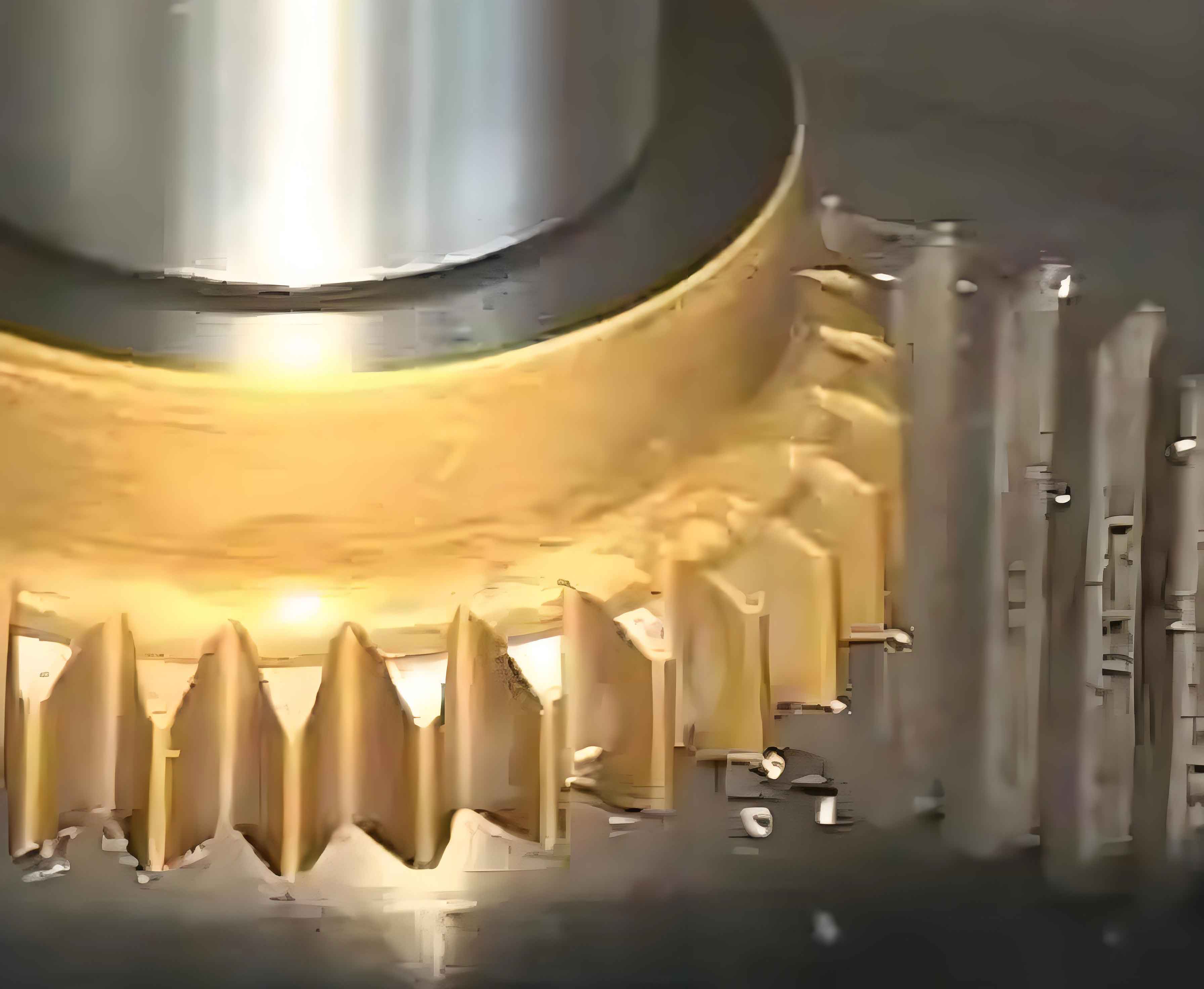
Dynamic Graphical Display and Comparative Analysis
Upon running the code in MATLAB’s Command Window and inputting parameters (e.g., m=2.5, z=11, α=20°, x=0), a complete “Figure” window displays the dynamic simulation of gear shaping. The graph can be zoomed for detailed inspection, and labels can be added for clarity. For example, Figure 4 shows the full simulation, while Figure 5 presents an enlarged view highlighting tool positions and tooth profiles. By altering the code, I can generate different simulation effects: Figure 6 depicts a quarter-tooth formation by restricting the rotation range, and Figure 7 illustrates higher precision with a smaller rotation step. These visualizations vividly demonstrate the gear shaping process, including phenomena like undercutting when tooth numbers are low (e.g., z=11), where the tool overcuts the gear base, leading to weakened teeth. The simulation accurately shows undercutting near the base circle, matching theoretical predictions. To validate the simulation, I compare results with UG 3D models and actual machined parts. For a standard gear with m=2.5, z=11, α=20°, and x=0, all three methods exhibit similar undercutting patterns, confirming the simulation’s correctness. Additionally, for gears with tooth numbers above 41, the simulation correctly indicates that the dedendum diameter exceeds the base diameter, as derived from the inequality:
$$m z \cos \alpha < m (z – 2h_a^* – 2c^*)$$
which simplifies to $$z > 2.5 / (1 – \cos \alpha) \approx 41.45$$. This alignment with theory underscores the simulation’s reliability for gear shaping analysis.
Conclusion
In this study, I have developed a MATLAB-based simulation system for gear shaping that effectively visualizes the tooth generation process. By inputting gear and tool parameters, the system simulates gear shaping dynamically, offering an intuitive representation beneficial for both education and industrial applications. The use of the reversal method and discrete coordinate transformations enables accurate modeling of tool-workpiece interactions. Key advantages include the ability to pre-validate tool designs, reduce trial costs, and shorten manufacturing cycles, thereby supporting lean production initiatives. The programming approach allows for customization, such as adjusting simulation precision or analyzing specific gear segments, enhancing its utility for high-precision gear shaping tasks. Future work could extend this simulation to incorporate more complex tool geometries, multi-axis motions, or real-time parameter optimization. Overall, this research demonstrates the value of MATLAB in advancing gear shaping technology, providing a practical tool for engineers to optimize processes and improve efficiency in gear manufacturing.