
In the world of mechanical power transmission, the spur and pinion gear is arguably the most ubiquitous and fundamental component. Its simple, straight-toothed design makes it efficient, reliable, and relatively easy to manufacture. A critical step in the manufacturing and quality assurance process for any spur and pinion gear is the accurate measurement and determination of its fundamental geometric parameters. Traditionally, this process involved manual calculations using complex formulas, which was not only time-consuming and labor-intensive but also prone to human error, making it difficult to identify and correct mistakes efficiently. This article details my journey and methodology in developing a Visual Basic (VB) application designed to automate this measurement process, thereby transforming a tedious manual task into a swift, accurate, and intelligent procedure.
The essential parameters defining a standard involute spur and pinion gear are: the number of teeth (z), the module (m), the pressure angle (α), the addendum coefficient (ha*), the dedendum coefficient (c*), and the profile shift coefficient (x). Accurately determining these values from a physical gear sample is the cornerstone of gear inspection and reverse engineering.
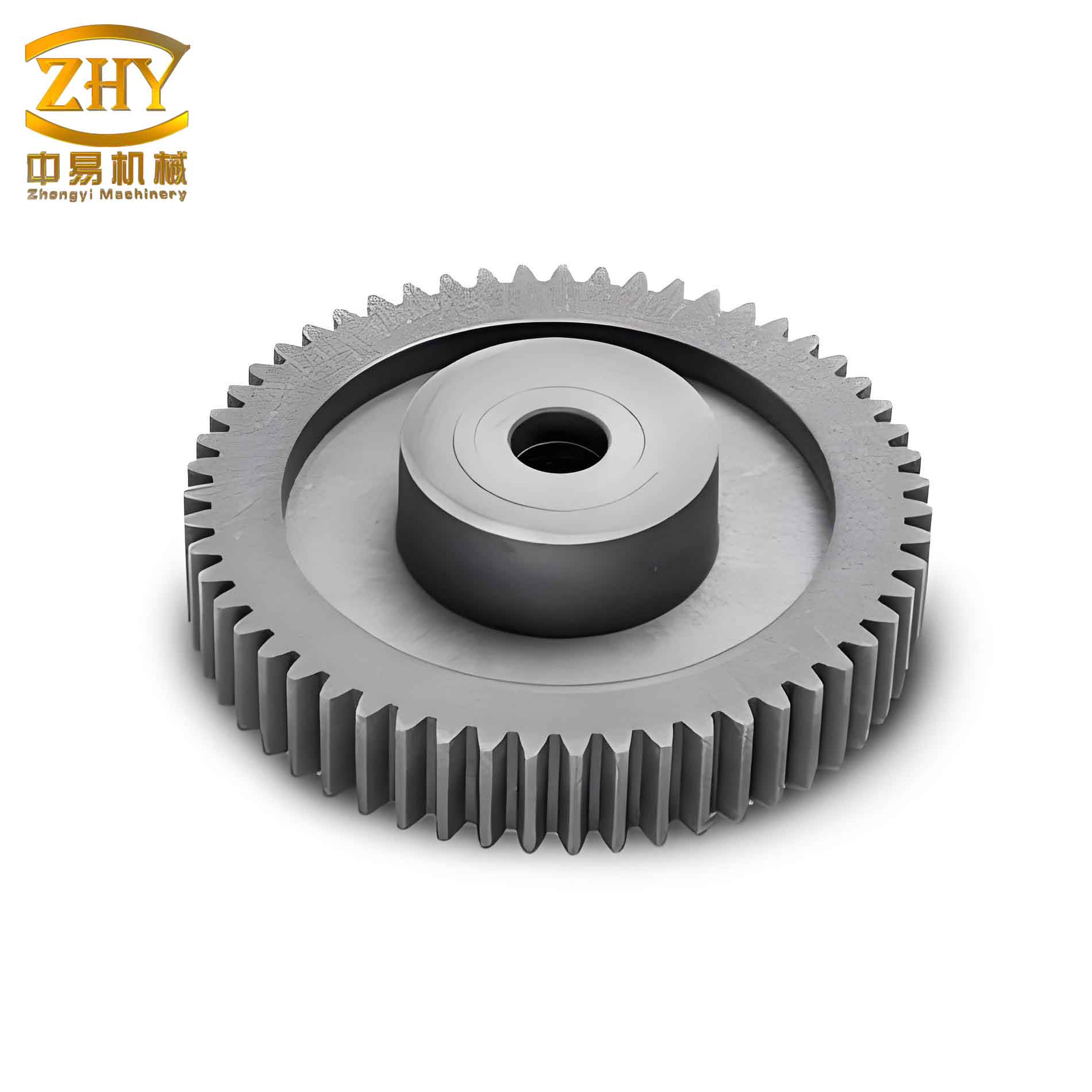
The traditional measurement sequence for an involute spur and pinion gear involves several precise steps. First, the tooth count (z) is directly observed. To derive other parameters, one must measure the span over a specific number of teeth, known as the base tangent length or lead (Wk). Crucially, two such measurements are taken: one over ‘k’ teeth (Wk) and another over ‘k+1’ teeth (Wk+1). The root diameter (df) is also measured directly. For statistical reliability, each of these measurements (Wk, Wk+1, df) should be taken at several positions (e.g., rotating the gear approximately 120 degrees each time) and averaged.
The core calculations then proceed as follows:
- Base Pitch (Pb): The difference between the two span measurements gives the base pitch on the base circle.
$$ P_b = W_{k+1} – W_k $$ - Module (m) and Pressure Angle (α): These are interdependent. The base pitch is related to the module and pressure angle by:
$$ P_b = \pi m \cos \alpha $$
Since the pressure angle is typically 20° or, less commonly, 15°, we calculate two candidate module values:
$$ m_{15} = \frac{P_b}{\pi \cos(15^\circ)}, \quad m_{20} = \frac{P_b}{\pi \cos(20^\circ)} $$
The pair (m, α) whose calculated module is closest to a standard value from the preferred series is selected. - Theoretical Span for a Standard Gear (Wk’): For a standard (non-shifted) spur and pinion gear with a 20° pressure angle, an approximate formula is often used:
$$ W_k’ = m[2.9521(k – 0.5) + 0.014z] $$ - Profile Shift Coefficient (x): The difference between the measured span (Wk) and the theoretical standard span (Wk’) reveals the amount of profile shift.
$$ x = \frac{W_k – W_k’}{2m \sin \alpha} $$ - Dedendum Height (hf): This is calculated from the measured root diameter.
$$ h_f = \frac{mz – d_f}{2} $$ - Addendum and Dedendum Coefficients (ha*, c*): The dedendum height is also defined by the coefficients and the shift.
$$ h_f = m(h_a^* + c^* – x) $$
Standard values (e.g., for full-depth teeth: ha*=1, c*=0.25; for stub teeth: ha*=0.8, c*=0.3) are substituted into the equation. The set that yields a calculated hf closest to the value from step 5 identifies the tooth system of the spur and pinion gear.
Manually performing this cascade of calculations for every spur and pinion gear is clearly inefficient. This repetitive, formula-heavy task is an ideal candidate for automation through software. I chose Microsoft Visual Basic (VB) for this development due to its strengths in rapid application development (RAD). VB’s event-driven paradigm, intuitive graphical user interface (GUI) designer, and straightforward syntax allow for the creation of functional desktop applications with minimal overhead. Its ability to easily handle user input, perform calculations, and display results makes it perfectly suited for this type of engineering utility program.
Design and Implementation of the VB Application
The primary goal was to create an application with a clean, intuitive interface where a technician could input the measured values and instantly receive the calculated gear parameters. The development process followed a structured approach.
1. User Interface Design
The main form was designed to be self-explanatory. Key UI elements included:
- Label and TextBox pairs: For inputting the five essential measured values: Number of Teeth (z), Number of Span Teeth (k), Span over k teeth (Wk), Span over k+1 teeth (Wk+1), and Root Diameter (df).
- A “Calculate” Button: The trigger to execute all computational logic.
- Output TextBoxes or Labels: To display the calculated results: Base Pitch (Pb), Module (m), Pressure Angle (α), Profile Shift Coefficient (x), Dedendum Height (hf), and the identified coefficients (ha*, c*).
- Data Formatting: All input TextBoxes expecting numerical values had their `Data Format` property set to “Number” to prevent common data entry errors.
The interface was kept clean, grouping input parameters logically and separating them clearly from the output results. Tooltips were added to key fields to provide brief guidance to the user, such as explaining what “Span over k teeth” means for a spur and pinion gear.
| Parameter Symbol | Description | Measurement Method |
|---|---|---|
| z | Number of Teeth | Direct count of the spur and pinion gear teeth. |
| k | Number of Span Teeth | Determined from tables or formulas based on z and expected α. |
| Wk | Span over k teeth | Measured with a gear tooth caliper or micrometer; average of 3 readings. |
| Wk+1 | Span over k+1 teeth | Measured similarly to Wk; average of 3 readings. |
| df | Root Diameter | Measured with a standard micrometer or caliper; average of 3 readings. |
2. Programming Logic and Algorithm Implementation
The core intelligence of the application resides in the “Calculate” button’s click event handler. The code follows the theoretical steps but implements them with robust logic.
Step 1: Data Acquisition and Validation. The code begins by reading the values from the TextBoxes into local variables, converting them to numeric types (using operations like `Text1.Text * 1` in VB). Simple validation checks can be added to ensure no fields are empty and values are within plausible ranges for a typical spur and pinion gear.
Step 2: Core Calculations. The formulas are translated directly into code. For example:
' Calculate Base Pitch
Pb = W_kplus1 - W_k
' Convert angles to radians
alpha15_rad = 15 * (3.141593 / 180)
alpha20_rad = 20 * (3.141593 / 180)
' Calculate candidate modules
m_candidate_15 = Pb / (3.141593 * Cos(alpha15_rad))
m_candidate_20 = Pb / (3.141593 * Cos(alpha20_rad))
Step 3: Module and Pressure Angle Determination. This is a critical decision point. The application compares both calculated candidate modules to a list of standard module values (e.g., 0.5, 0.6, 0.8, 1.0, 1.25, 1.5, 2.0…). It selects the pair (m, α) where the candidate module has the smallest absolute deviation from a standard value. This logic effectively automates the engineer’s judgment call.
' Pseudo-code for module/pressure angle selection
standard_modules = Array(0.1, 0.12, 0.15, 0.2, 0.25, 0.3, 0.4, 0.5, 0.6, 0.7, 0.8, 1, 1.25, 1.5, 1.75, 2, 2.25, 2.5, 3, 3.5, 4, 5...)
min_error_15 = VERY_LARGE_NUMBER
min_error_20 = VERY_LARGE_NUMBER
selected_m_15 = 0
selected_m_20 = 0

For Each std_m In standard_modules
    error_15 = Abs(std_m - m_candidate_15)
    error_20 = Abs(std_m - m_candidate_20)
    If error_15 < min_error_15 Then
        min_error_15 = error_15
        selected_m_15 = std_m
    End If
    If error_20 < min_error_20 Then
        min_error_20 = error_20
        selected_m_20 = std_m
    End If
Next

' Compare the best fits for 15° and 20°
If min_error_15 < min_error_20 Then
    m = selected_m_15
    alpha_deg = 15
Else
    m = selected_m_20
    alpha_deg = 20
End If
Step 4: Remaining Parameter Calculations. With m and α confirmed, the code proceeds to calculate the other parameters sequentially.
alpha_rad = alpha_deg * (3.141593 / 180)
' Calculate theoretical span for a standard gear
Wk_theoretical = m * (2.9521 * (k - 0.5) + 0.014 * z)
' Calculate profile shift coefficient
x = (W_k - Wk_theoretical) / (2 * m * Sin(alpha_rad))
' Calculate dedendum height
h_f = (m * z - d_f) / 2
' Determine tooth system coefficients
' For full-depth teeth (ha*=1, c*=0.25)
h_f_full_depth = m * (1 + 0.25 - x)
' For stub teeth (ha*=0.8, c*=0.3)
h_f_stub = m * (0.8 + 0.3 - x)
' Compare which calculated h_f is closer to the measured h_f
If Abs(h_f - h_f_full_depth) < Abs(h_f - h_f_stub) Then
    h_a_star = 1
    c_star = 0.25
Else
    h_a_star = 0.8
    c_star = 0.3
End If
Step 5: Result Presentation. Finally, all calculated values—Pb, m, α, x, hf, ha*, c*—are formatted (often using `Format(value, “##.###”)` for consistency) and displayed in their respective output fields on the form.
| Program Variable | Gear Parameter | Formula / Determination Method in Code |
|---|---|---|
| z, k, Wk, Wk+1, df | Input Measurements | Direct user input from TextBoxes. |
| Pb | Base Pitch | $$ P_b = W_{k+1} – W_k $$ |
| m, α | Module & Pressure Angle | Comparison of $$ m = P_b / (\pi \cos \alpha) $$ for α=15°,20° against standard values. |
| Wk’ | Theoretical Standard Span | $$ W_k’ = m[2.9521(k – 0.5) + 0.014z] $$ |
| x | Profile Shift Coefficient | $$ x = (W_k – W_k’) / (2m \sin \alpha) $$ |
| hf | Dedendum Height | $$ h_f = (mz – d_f) / 2 $$ |
| ha*, c* | Tooth System Coefficients | Evaluation of $$ h_f = m(h_a^* + c^* – x) $$ for standard coefficient sets. |
3. Testing, Debugging, and Deployment
One of VB’s greatest advantages is its integrated development environment (IDE), which allows for seamless “edit-and-continue” debugging. Each stage of the calculation was tested with known spur and pinion gear data. Intermediate results (like the two candidate modules) were displayed during development to verify the logic. Edge cases, such as gears with large profile shifts or non-standard modules, were also tested to ensure robustness.
Once the application was fully functional and stable, it was compiled into a standalone executable (.EXE) file. This final package can be distributed and run on any Windows machine without requiring the VB development environment, making it a practical tool for the workshop floor. A technician simply needs to measure the gear, input the five values, click “Calculate,” and receive the complete parameter set instantly.
| Aspect | Traditional Manual Method | VB Application Method |
|---|---|---|
| Speed | Slow, requires referencing formulas and manual calculator use. | Instantaneous results upon clicking a button. |
| Accuracy | Prone to arithmetic and transcription errors. | High, based on precise algorithmic computation. |
| Error Detection | Difficult to trace the source of an inconsistency. | Consistent logic; errors are typically due to input measurement error. |
| Efficiency | Low, not suitable for high-volume inspection. | Very high, enabling rapid inspection of multiple spur and pinion gears. |
| User Skill Required | Requires deep understanding of gear formulas. | Requires only the ability to take accurate physical measurements. |
Conclusion
The automation of spur and pinion gear parameter measurement through a custom VB application represents a significant leap in workshop efficiency and reliability. By encapsulating complex gear geometry formulas into a simple, user-friendly interface, this tool democratizes the inspection process. It allows technicians to focus on the critical task of obtaining precise physical measurements, while the software handles the tedious and error-prone calculations. The ability to quickly and accurately determine module, pressure angle, profile shift, and tooth system coefficients for any spur and pinion gear streamlines quality control, aids in reverse engineering, and accelerates production setup. This approach, marrying fundamental mechanical engineering knowledge with accessible programming tools like Visual Basic, offers a powerful and scalable model for solving similar measurement and calculation challenges across modern manufacturing. The development of such tailored applications is not just a convenience but a necessity for maintaining precision and competitiveness in advanced mechanical production environments.