
In the field of mechanical transmission, the straight spur gear is one of the most fundamental and widely used components. Its design and manufacturing accuracy directly affect the performance of the entire transmission system. This work focuses on establishing a parametric three-dimensional model of a straight spur gear using Pro/E (now known as Creo) and further simulating its generating (hobbing) process with MATLAB. By leveraging parametric design principles, a single parametric model can be quickly adapted to different design specifications by simply modifying input variables such as the number of teeth, module, and pressure angle. This approach not only shortens the design cycle but also provides a precise solid model for subsequent computer-aided engineering (CAE), computer-aided manufacturing (CAM), virtual assembly, and finite element analysis. The method also offers a feasible path for the integration of CAD/CAPP/CAM for straight spur gear.
The involute curve is the geometric foundation of a straight spur gear tooth profile. Understanding its formation principle is essential for accurate modeling. As illustrated in the theoretical development, when a straight line rolls purely along a base circle, any fixed point on that line traces an involute. This point is denoted as K, and the line is the generating line. The angle between the line connecting point K to the center O and the tangent to the base circle at K is the pressure angle. The parametric equation of the involute is derived from this pure rolling motion and is implemented in the modeling process.
Parametric Design of Straight Spur Gear
The core of parameterization lies in defining a set of fundamental variables and deriving all other geometric dimensions through mathematical relationships. For a standard involute straight spur gear, the basic parameters are:
| Parameter | Symbol | Value / Formula |
|---|---|---|
| Number of teeth | Z | 3 (example) |
| Module | M | 25 mm |
| Face width | B | 10 mm |
| Pressure angle | α | 20° |
| Addendum coefficient | ha* | 1 |
| Clearance coefficient | c* | 0.25 |
| Addendum | ha | ha = (ha* + x) · M |
| Dedendum | hf | hf = (ha* + c* − x) · M |
| Pitch circle diameter | d | d = M · Z |
| Addendum circle diameter | da | da = d + 2ha |
| Dedendum circle diameter | df | df = d − 2hf |
| Base circle diameter | db | db = d · cos α |
In Pro/E, these relationships are entered through the “Relations” dialog. The following parametric relations are defined:
$$
\begin{aligned}
h_a &= (h_{ax} + x) \cdot m \\
h_f &= (h_{ax} + c_x – x) \cdot m \\
d &= m \cdot z \\
d_a &= d + 2h_a \\
d_b &= d \cdot \cos(\alpha) \\
d_f &= d – 2h_f
\end{aligned}
$$
Here, hax is the addendum coefficient (usually 1), cx is the clearance coefficient (0.25), and x is the profile shift coefficient (zero for standard gears). After entering these relations, the software automatically computes the dependent diameters.
Creation of the Four Basic Circles
In Pro/E, four concentric circles are sketched on the FRONT plane: the addendum circle, pitch circle, base circle, and dedendum circle. Initially a circle of arbitrary size is drawn, and then dimension symbols are replaced by the corresponding diameter relations. For example, the pitch circle diameter is assigned as:
$$ \text{D1} = d $$
Similarly, we set:
$$ \text{D2} = d_a,\quad \text{D3} = d_b,\quad \text{D4} = d_f $$
After applying these relations, the four circles are automatically sized according to the input parameters.
Generation of the Involute Curve
The involute is constructed using the “Curve from Equation” option. Selecting a Cartesian coordinate system, the parametric equations are entered. The standard involute equations for a straight spur gear are:
$$
\begin{aligned}
\text{ang} &= 90 \cdot t \\
r &= \frac{d_b}{2} \\
s &= \frac{\pi \cdot r \cdot t}{2} \\
x_c &= r \cdot \cos(\text{ang}) \\
y_c &= r \cdot \sin(\text{ang}) \\
x &= x_c + s \cdot \sin(\text{ang}) \\
y &= y_c – s \cdot \cos(\text{ang}) \\
z &= 0
\end{aligned}
$$
Here, t varies from 0 to 1, db is the base circle diameter, and the resulting curve is a segment of the involute from the base circle outward. The tangent length s is proportional to the arc length rolled on the base circle.
To obtain the symmetric tooth profile, the involute needs to be mirrored about a plane that passes through the gear axis and the midpoint of a tooth space on the pitch circle. The construction steps are:
- Create a datum point (PNT0) at the intersection of the involute and the pitch circle.
- Create a datum axis (A_1) through the TOP and RIGHT planes (the gear axis).
- Create a datum plane (DTM1) through axis A_1 and point PNT0.
- Create another datum plane (DTM2) rotated from DTM1 by an angle of 360/(4·Z). This rotation places DTM2 exactly at the symmetry line of one tooth. The rotation angle is added as a relation:
$$ \text{d20} = \frac{360}{4 \cdot z} $$
Finally, mirror the involute curve about DTM2 to obtain the opposite flank of the tooth.
Creation of a Single Tooth Solid
Using the “Extrude” feature, a sketch is made on the FRONT plane. The sketch includes the mirrored involute curves, the addendum circle arc, and the dedendum circle arc, connected by fillets at the root (if needed). The extrusion depth is set equal to the face width B, which is also added as a relation. After extrusion, one complete tooth of the straight spur gear is formed.
Next, the gear blank (the cylinder with diameter equal to the dedendum circle) is extruded. Its depth is also set to B. Then, the first tooth is “patterned” around the axis using a rotational array. The angular increment between teeth is 360/Z. The relation for the pattern angle is:
$$ \text{pattern\_angle} = \frac{360}{z} $$
By creating a rotational pattern of the single tooth feature with a number of instances equal to Z, the full set of teeth is generated. The resulting parametric solid model of the straight spur gear is shown below.
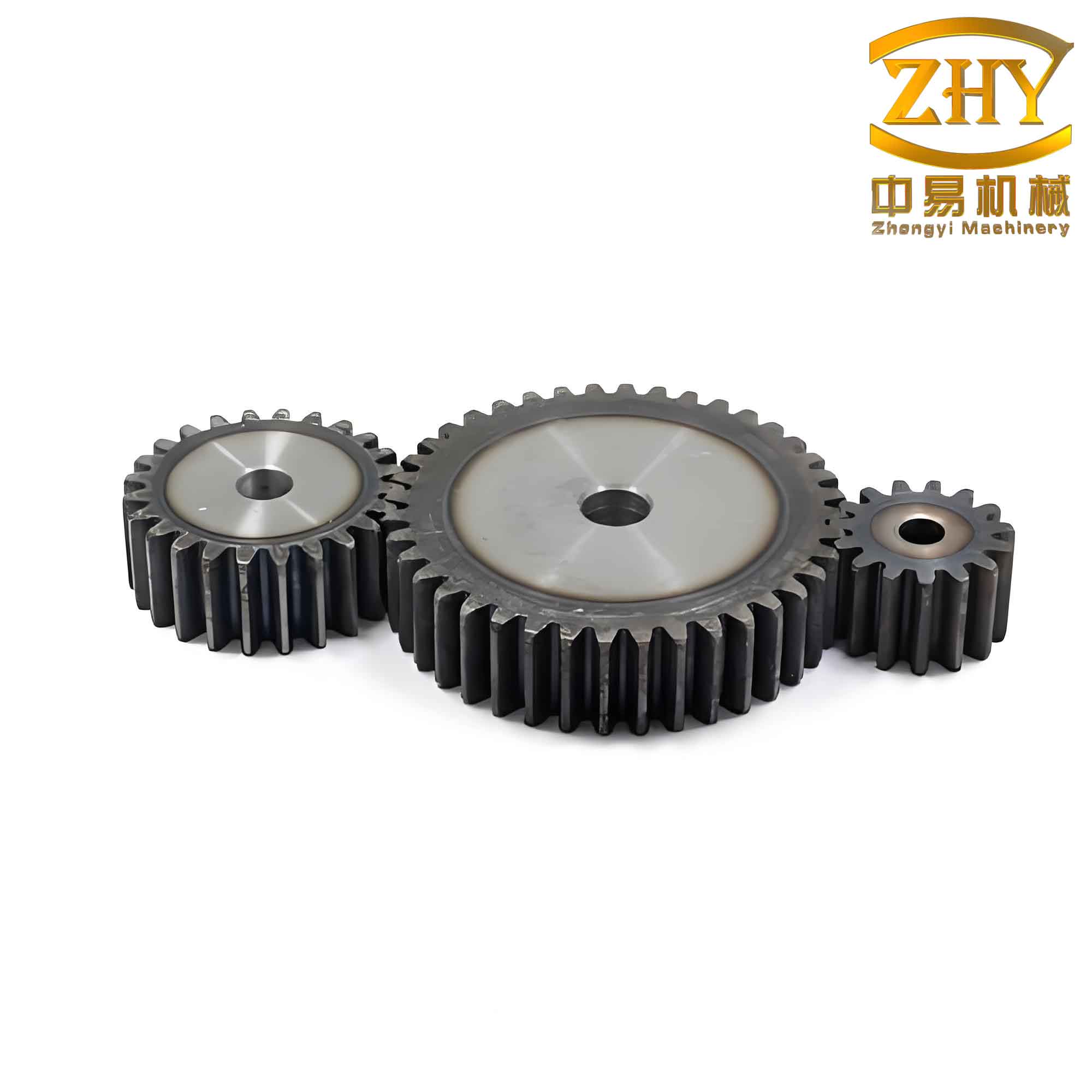
The model is fully parametric: changing any of the fundamental parameters (Z, M, B, α, ha*, c*) automatically updates all related dimensions and regenerates the entire straight spur gear geometry. This capability is extremely valuable for design iteration and optimization.
Generation (Hobbing) Simulation of Straight Spur Gear
In gear manufacturing, two primary methods exist: form cutting and generating (also called hobbing or shaving). Form cutting uses a cutter whose cross-section matches the tooth space, resulting in lower accuracy (typically below grade 11). Generating, on the other hand, employs a tool (such as a hob or rack) that simulates the meshing motion between the tool and the gear blank. The cutting edges of the tool envelope the involute profile through relative motion, yielding high precision and smooth tooth surfaces.
To visualize the generating process, a dynamic simulation was implemented in MATLAB. The simulation treats the rack (or hob) as a straight-sided tool and the gear blank as a cylindrical workpiece. The relative motion follows the same kinematic relationship as a rack-and-pinion pair: the rack translates linearly while the gear blank rotates. The cutting edges of the rack are represented by a series of straight lines, and by repeatedly plotting the tool position at small angular increments, the envelope of the tooth profile emerges.
The key parameters for the simulation are:
| Parameter | Symbol | Example Value |
|---|---|---|
| Module | m | 10 mm |
| Number of teeth | z | 20 |
| Pressure angle | α | 20° |
| Addendum of rack | ha\_rack | 1.25·m |
| Angular increment per step | Δθ | 0.5° |
| Number of rack positions | N | 360 / Δθ |
The rack tooth profile is a trapezoid with a pressure angle α on both sides. At each step, the rack is translated by a distance equal to the pitch circle arc corresponding to the gear rotation: s = rp · Δθ, where rp = m·z/2. The rack is then drawn as a filled polygon, and all previous positions are retained to form the envelope. After completing one full rotation of the gear blank, the generated involute tooth profiles are clearly visible.
Below are the essential MATLAB code steps (pseudocode) for the simulation:
% Parameters
m = 10; z = 20; alpha = 20*pi/180;
rp = m*z/2; rb = rp*cos(alpha); ra = rp + m; rf = rp - 1.25*m;
dtheta = 0.5*pi/180; N = round(2*pi/dtheta);
% Rack tooth profile (simplified)
rack_width = pi*m/2 + 2*m*tan(alpha); % tooth space width at pitch line
% Loop over angular positions
for i = 1:N
    theta = (i-1)*dtheta;
    % Rack translation
    x_rack_shift = rp * theta; % note: proper sign for rolling
    % Compute rack tooth vertices (relative to rack reference)
    % ... (detailed geometry omitted for brevity)
    % Rotate rack vertices? Actually rack remains horizontal, gear rotates
    % For clarity, we plot rack in world coordinates and gear blank rotates
    % Draw rack tooth at current translation
    fill(x_rack, y_rack, 'b', 'EdgeColor','none');
    hold on;
    % Draw gear blank circle
    viscircles([0 0], rp, 'Color','k');
    % Pause to animate
    pause(0.01);
end
After running the simulation, the accumulated rack positions produce the characteristic involute tooth shape of the straight spur gear. The animation clearly demonstrates how the rack’s straight flanks gradually carve out the curved tooth profile, which is the essence of the generating process. This not only serves as an educational tool but also helps validate the correctness of the parametric model.
Table 3 summarizes the comparison between the two modeling approaches for a straight spur gear:
| Aspect | Parametric Modeling (Pro/E) | Generation Simulation (MATLAB) |
|---|---|---|
| Purpose | Create an exact 3D solid model for manufacturing and analysis | Visualize the cutting process and verify tooth profile |
| Input | Z, M, B, α, ha*, c* | Z, M, α, rack dimensions, step size |
| Output | Parametric solid straight spur gear | Animated envelope of tooth profile |
| Key equations | Involute curve, mirror & pattern relations | Rack position vs. gear rotation |
| Advantages | Rapid design changes, integration with CAE/CAM | Intuitive understanding of generating process |
Conclusion
This work presents a comprehensive method for the parametric modeling and generating simulation of a straight spur gear. By utilizing Pro/E’s parametric capabilities, a robust 3D solid model is built from a minimal set of input variables. All geometric dimensions are automatically updated via relation equations, enabling fast design iterations for different straight spur gear specifications. The generated model is ideal for downstream applications such as finite element analysis, virtual assembly, and NC machining. Furthermore, the MATLAB-based generating simulation provides a clear visualization of how a rack-type tool cuts the involute tooth profile through relative motion. This simulation not only aids in educational settings but also serves as a verification tool for the accuracy of the parametric model.
Combined, these two approaches offer a complete workflow for straight spur gear design and manufacturing analysis. Future work may extend this methodology to helical gears, bevel gears, and other gear types, as well as integrate the parametric model directly with CAM software for automated toolpath generation.